












Advantages of Cloud Computing Explained
Cloud computing offers many advantages that make it a popular choice for individuals, businesses, and organizations. It provides flexible, scalable, and cost-effective solutions for storing data and running applications.
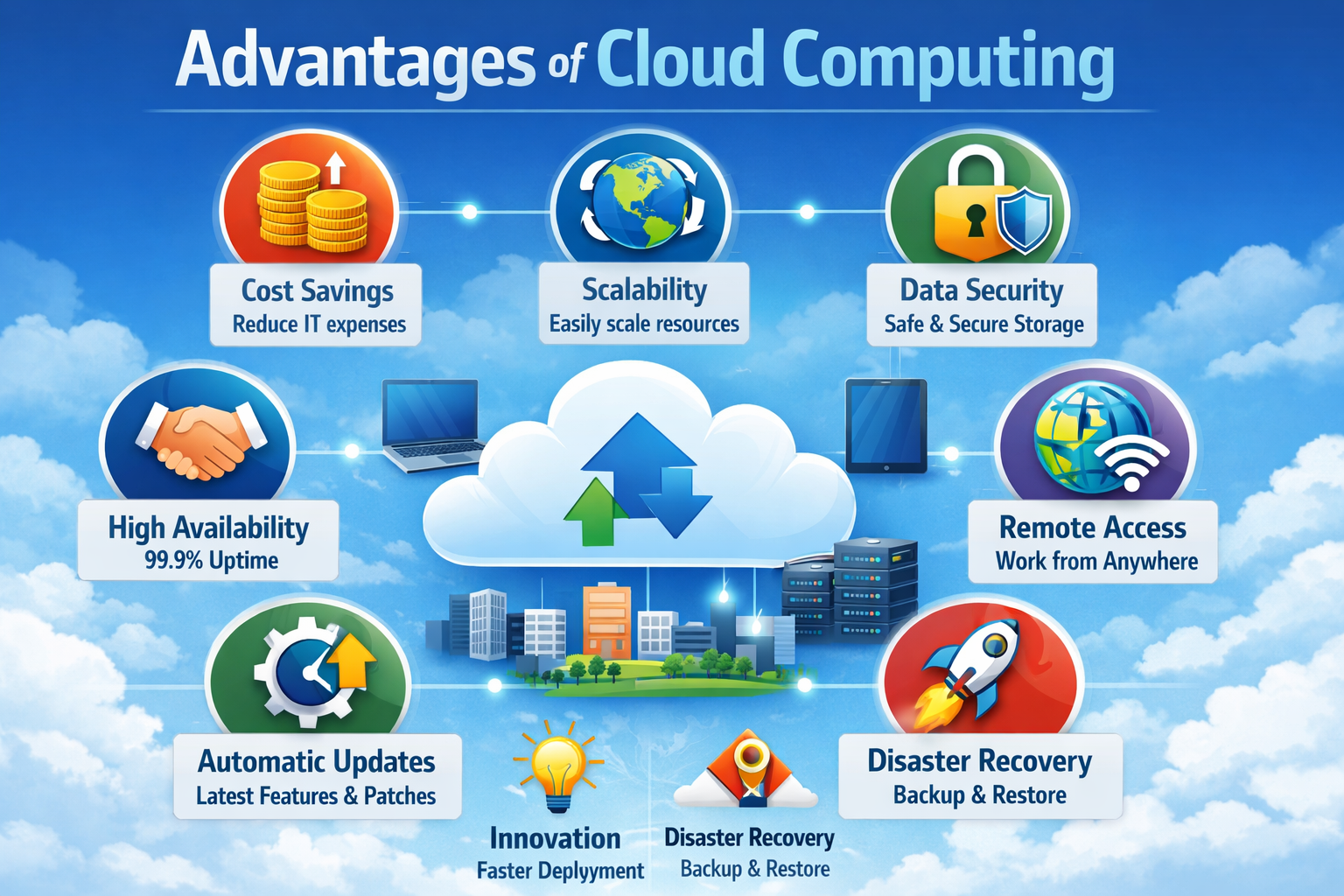
What are the Advantages of Cloud Computing?
Cloud computing advantages are the key benefits that make cloud services more efficient, scalable, and cost-effective compared to traditional IT systems.
- Easy Access: Users can access applications and data from anywhere using the internet.
- Cost Savings: Eliminates the need for expensive hardware and infrastructure investment.
- Scalability: Resources can be adjusted based on business needs and demand.
Why Cloud Computing is Beneficial
Cloud computing improves system efficiency and reduces complexity by removing the need for physical infrastructure management.
- Reduced Infrastructure: No need to install or maintain physical servers and hardware.
- Faster Deployment: Applications and services can be launched quickly without delays.
- Improved Productivity: Teams can collaborate and work more efficiently using cloud tools.
Major Advantages of Cloud Computing
These advantages explain why cloud computing is widely adopted in modern IT environments for building efficient, scalable, and cost-effective systems.
1. Cost Efficiency
Cost efficiency helps organizations reduce expenses by using cloud resources without investing in physical infrastructure.
Key Points
These points highlight how cloud computing reduces costs and improves financial efficiency.
- Pay Only for What You Use: Users are charged based on actual resource consumption, avoiding unnecessary expenses.
- No Upfront Investment: No need to purchase servers, storage, or networking equipment.
- Lower Maintenance Costs: Cloud providers handle infrastructure, reducing operational costs.
- Reduced IT Expenses: Less need for dedicated IT staff and hardware maintenance.
2. Scalability and Flexibility
Scalability and flexibility allow cloud systems to adjust resources dynamically based on workload and business needs.
Key Points
These points explain how cloud adapts to changing demands efficiently.
- Handle Increasing Users or Data: Systems can support growth without performance issues.
- Adjust Resources Anytime: CPU, storage, and memory can be scaled up or down instantly.
- Elastic Resource Management: Resources expand and shrink automatically based on demand.
- Business Adaptability: Supports changing requirements and workload variations.
3. Accessibility and Mobility
Accessibility and mobility enable users to access cloud services from anywhere using any internet-connected device.
Key Points
These points highlight how cloud supports remote access and mobility.
- Work from Any Location: Users can access applications from home, office, or anywhere.
- Use Multiple Devices: Services are available on mobile, laptops, and tablets.
- Global Access: Cloud services can be accessed worldwide.
- Remote Collaboration: Teams can work together regardless of location.
4. High Availability and Reliability
Cloud systems are designed to ensure continuous service with minimal downtime and consistent performance.
Key Points
These points explain how cloud ensures system stability and uptime.
- Backup Systems: Redundant systems ensure services remain active.
- Data Availability: Data is accessible most of the time without interruption.
- Fault Tolerance: Systems automatically handle failures.
- Reliable Performance: Ensures consistent and stable operations.
5. Data Backup and Recovery
Cloud computing provides strong mechanisms to protect data and recover it quickly in case of failure.
Key Points
These points show how cloud ensures data safety and continuity.
- Easy Data Recovery: Data can be restored quickly after system failure.
- Automatic Backups: Regular backups are performed without manual effort.
- Disaster Recovery Support: Systems recover quickly during major failures.
- Data Protection: Prevents loss of important information.
6. Security
Cloud providers implement advanced security measures to protect data, applications, and systems.
Key Points
These points highlight how cloud ensures data security.
- Data Encryption and Access Control: Protects data from unauthorized access.
- Regular Security Updates: Systems are updated to prevent vulnerabilities.
- Threat Monitoring: Continuous monitoring detects potential threats.
- Secure Infrastructure: Ensures safe storage and data transmission.
7. Automatic Updates
Cloud systems are maintained and updated automatically by providers to ensure optimal performance.
Key Points
These points explain how automatic updates improve system efficiency.
- No Manual Updates Required: Users do not need to update software manually.
- Latest Features: Systems always run the most updated versions.
- Improved Performance: Updates enhance speed and functionality.
- Security Patches: Protect systems from new threats.
8. Collaboration
Cloud computing enables real-time collaboration, allowing multiple users to work together efficiently.
Key Points
These points show how cloud improves teamwork and communication.
- Multiple Users Collaboration: Teams can work on the same files simultaneously.
- Easy File Sharing: Data and documents can be shared instantly.
- Real-Time Updates: Changes are visible immediately to all users.
- Improved Communication: Enhances coordination
Real-World Example
This example demonstrates how organizations use cloud computing to improve efficiency, scalability, and cost management in real-world operations.
- Cloud Data Storage: The company stores its business data in cloud storage, ensuring secure access, easy retrieval, and backup protection.
- Collaboration Tools: Teams use cloud-based applications to collaborate in real time, share files instantly, and work from different locations.
- Scalable Resources: During peak demand, the company increases computing resources, and reduces them when demand decreases to save cost.
- Remote Accessibility: Employees can access systems and data from anywhere, improving flexibility and productivity.
- Automated Management: Cloud providers handle updates, maintenance, and security, reducing operational workload.
- Cost Optimization: The company pays only for the resources it uses, avoiding unnecessary infrastructure expenses.
Conclusion
Cloud computing has become a fundamental technology for modern businesses by providing cost efficiency, scalability, accessibility, and high reliability. It eliminates the need for complex infrastructure, enables faster deployment of applications, and supports global access to services. With features like automatic updates, strong security, and real-time collaboration, cloud computing improves productivity and operational efficiency. These advantages make it an ideal solution for building flexible, scalable, and future-ready digital systems.