












Key Features of Community Cloud
Community cloud is a cloud deployment model where infrastructure is shared among multiple organizations with similar requirements such as security, compliance, or performance. It provides a balance between cost efficiency, collaboration, and controlled access. Understanding the key features of community cloud helps users see how it supports shared environments effectively.
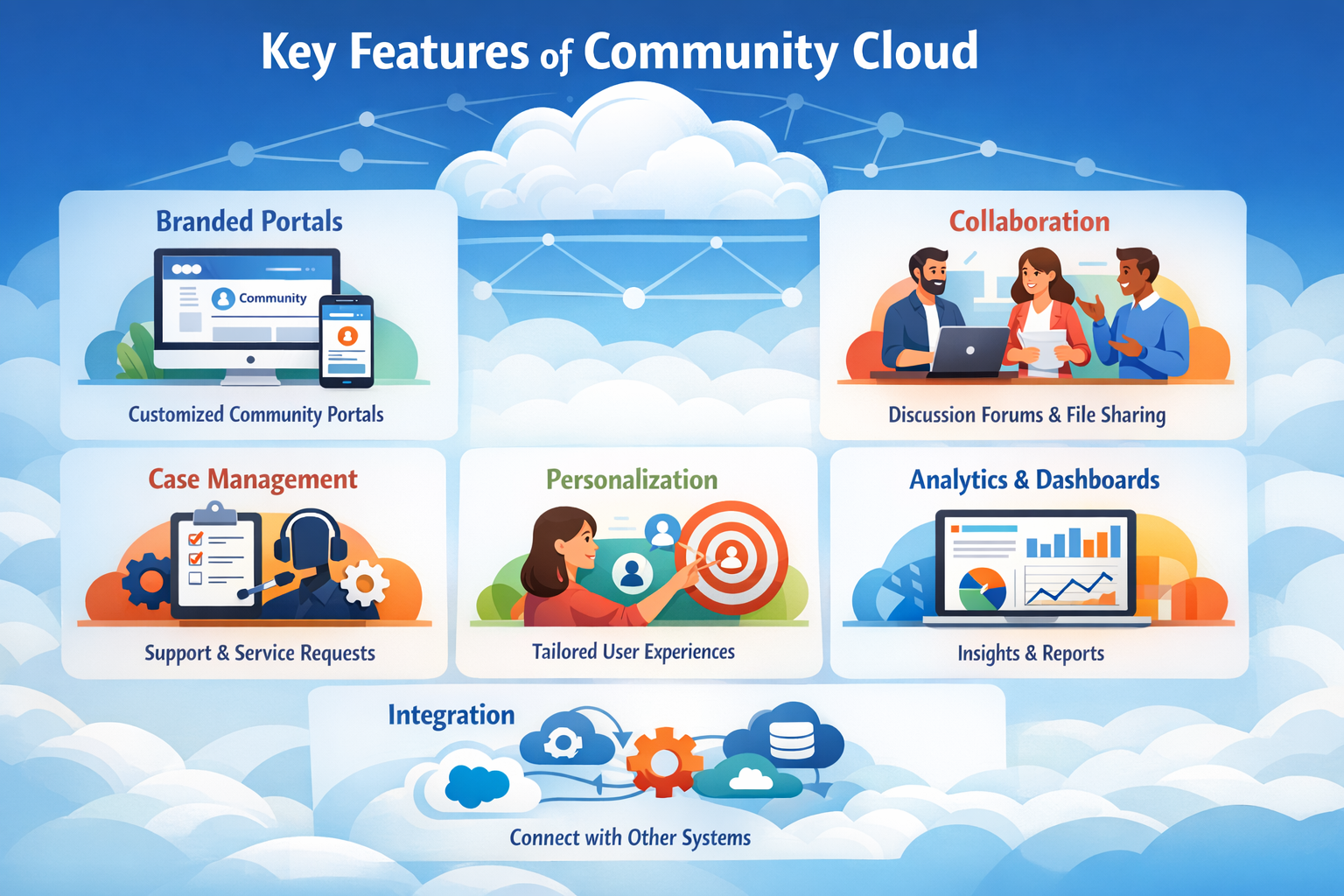
Let us explain each key feature of community cloud in detail.
1. Shared Infrastructure Among Specific Organizations
Community cloud provides infrastructure that is shared among a defined group of organizations, enabling controlled access and efficient resource usage.
How It Works
This model operates within a restricted and collaborative environment.
- Limited User Group: Only organizations within the community can access the cloud environment.
- Resource Sharing: Storage, servers, and applications are used collectively by all members.
- Efficient Utilization: Resources are optimized and distributed effectively among participants.
Example
Multiple universities share a cloud system to access research tools and academic resources.
2. Common Security Requirements
Community cloud is designed for organizations that share similar security policies and protection needs.
Security Features
These features ensure consistent and secure operations.
- Standard Security Policies: All members follow the same security guidelines.
- Controlled Access: Only authorized users and organizations can access the system.
- Data Protection: Sensitive data is handled according to shared security standards.
Example
Healthcare institutions use a community cloud to protect patient data under common security regulations.
3. Cost Sharing Model
Community cloud reduces expenses by distributing infrastructure costs among participating organizations.
Benefits
These benefits make it a cost-effective solution.
- Shared Investment: Infrastructure costs are divided among multiple organizations.
- Lower Individual Cost: Each member pays less compared to building a private cloud.
- Efficient Budgeting: Costs are predictable and easier to manage.
Example
Government departments share cloud infrastructure instead of building separate systems, reducing overall costs.
4. Collaboration and Data Sharing
Community cloud promotes collaboration and seamless data sharing among organizations.
Benefits
These benefits improve teamwork and productivity.
- Shared Data Access: Organizations can easily access common resources and information.
- Improved Communication: Enhances coordination between different entities.
- Collaborative Projects: Supports joint research, development, and initiatives.
Example
Research organizations share datasets and tools to collaborate on scientific studies.
5. Compliance with Industry Standards
Community cloud is designed to meet specific regulatory and compliance requirements for different industries.
Benefits
These benefits ensure adherence to legal and industry standards.
- Regulatory Compliance: Meets laws and regulations relevant to the industry.
- Data Governance: Ensures proper handling and management of sensitive data.
- Audit Support: Simplifies monitoring, tracking, and reporting processes.
Example
Financial institutions use community cloud to comply with strict regulatory requirements while sharing infrastructure.
6. Restricted Access Environment
Community cloud ensures that access is limited only to authorized members, providing a secure and controlled environment.
Features
These features help maintain strict access control and security.
- Access Control: Only approved users and organizations can use the cloud.
- Secure Environment: Reduces the risk of unauthorized access.
- Identity Management: Ensures proper authentication and user verification.
Example
Only participating organizations can access a shared government cloud system.
7. Customization for Community Needs
Community cloud can be customized to meet the specific requirements of participating organizations.
Benefits
These benefits highlight flexibility within the community.
- Customized Infrastructure: Designed according to industry-specific needs.
- Flexible Configurations: Adjusted based on community requirements.
- Optimized Performance: Supports specialized workloads efficiently.
Example
A group of universities customizes cloud tools and systems for academic research.
8. Centralized Management
Community cloud is managed through a central system that controls resources and policies for all members.
Benefits
These benefits simplify administration and improve consistency.
- Unified Control: A single authority manages infrastructure and policies.
- Simplified Administration: Easier monitoring, maintenance, and management.
- Consistent Performance: Ensures smooth and uniform operations across organizations.
Example
A central authority manages cloud resources for multiple government departments.
9. High Reliability
Community cloud provides stable and reliable performance for shared environments.
Features
These features ensure continuous and dependable operations.
- Redundant Systems: Backup systems ensure uninterrupted service.
- Stable Performance: Infrastructure is designed for consistent performance.
- Fault Tolerance: Handles failures without affecting all users.
Example
A shared healthcare cloud system continues operating even during system failures.
10. Scalability Within Community
Community cloud supports scaling of resources based on the needs of the entire group.
Benefits
These benefits ensure efficient growth and resource usage.
- Flexible Scaling: Resources can expand as community demands increase.
- Efficient Allocation: Resources are distributed among members effectively.
- Supports Growth: Adapts to increasing workloads within the community.
Example
A research network increases storage capacity as data grows over time.
Top 5 FAQs (Interview & Exam Focused)
1. What is the main feature of community cloud?
The main feature is shared infrastructure among organizations with similar requirements, enabling secure collaboration and cost sharing.
2. How is community cloud different from private cloud?
Community cloud is shared among multiple organizations, while private cloud is used by a single organization. It supports collaboration with controlled access.
3. Why is community cloud cost-effective?
Because infrastructure costs are shared among participating organizations, reducing the financial burden on each member.
4. Who can access community cloud?
Only authorized organizations and users within the community can access it, ensuring restricted and secure usage.
5. Is community cloud secure?
Yes, it is secure because it uses common security policies, restricted access, and controlled environments, making it safer than public cloud for shared use.
Conclusion
Community cloud offers key features that support collaboration, shared infrastructure, and controlled access among organizations with common requirements. It provides a cost-effective and secure solution while ensuring compliance and efficient resource utilization. These features make community cloud highly suitable for industries such as healthcare, education, and government, where collaboration and regulation are essential.