












What Are Cloud Service Models? Beginner Guide
Cloud computing is the delivery of computing services—like servers, storage, databases, networking, and software—over the internet (“the cloud”). Instead of buying and maintaining physical hardware, you can access everything online, anytime.
Think of it like electricity: you don’t generate your own power—you just use it when needed. Similarly, cloud computing lets you use IT resources without owning them.

What Are Cloud Service Models?
Cloud service models define how much control and responsibility you have when using cloud services. The three main models are:
-
IaaS (Infrastructure as a Service)
-
PaaS (Platform as a Service)
-
SaaS (Software as a Service)
Each model offers a different level of control, flexibility, and management.
1. IaaS (Infrastructure as a Service)
IaaS provides basic computing resources like virtual machines, storage, and networking over the internet.
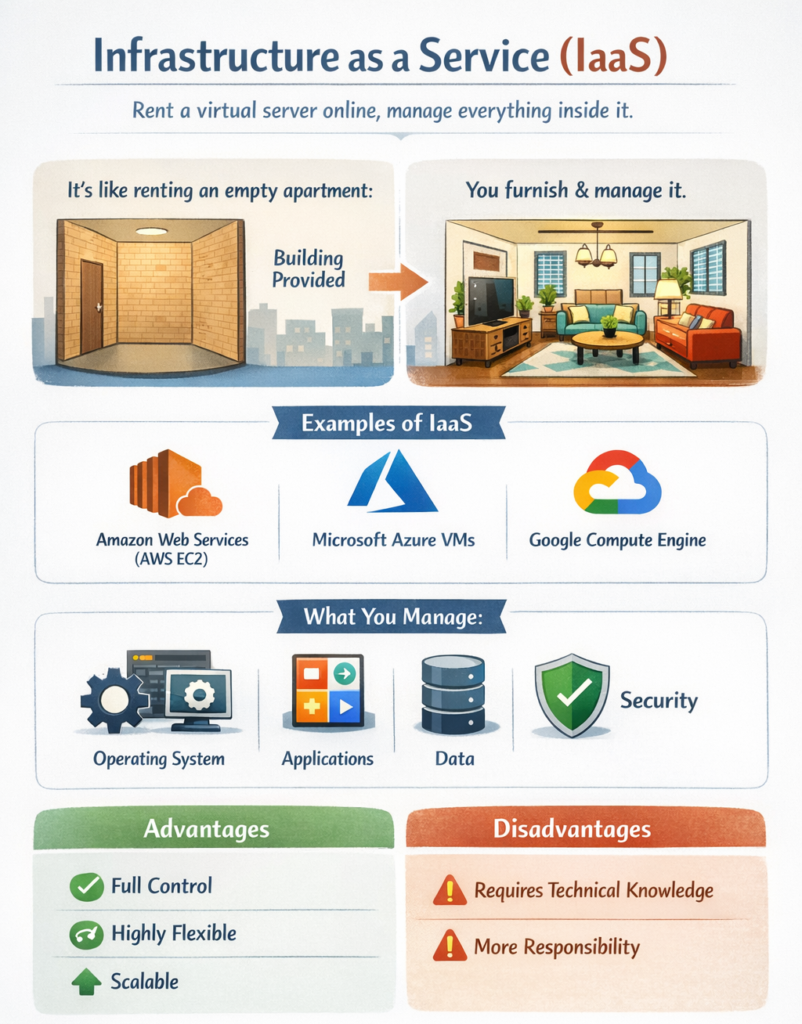
Simple Explanation: You rent a computer (server) online, but you manage everything inside it.
Real-Life Example Imagine renting an empty apartment:
- The building is provided (infrastructure)
- You bring your own furniture, decorate, and maintain it
Examples of IaaS
- Amazon Web Services (AWS EC2)
- Microsoft Azure Virtual Machines
- Google Compute Engine
What You Manage
- Operating system
- Applications
- Data
- Security (partially)
Advantages
- Full control
- Highly flexible
- Scalable
Disadvantages
- Requires technical knowledge
- More responsibility
2. PaaS (Platform as a Service)
PaaS provides a platform for developers to build, run, and manage applications without worrying about infrastructure.
Simple Explanation: You focus only on coding; the platform handles the rest.
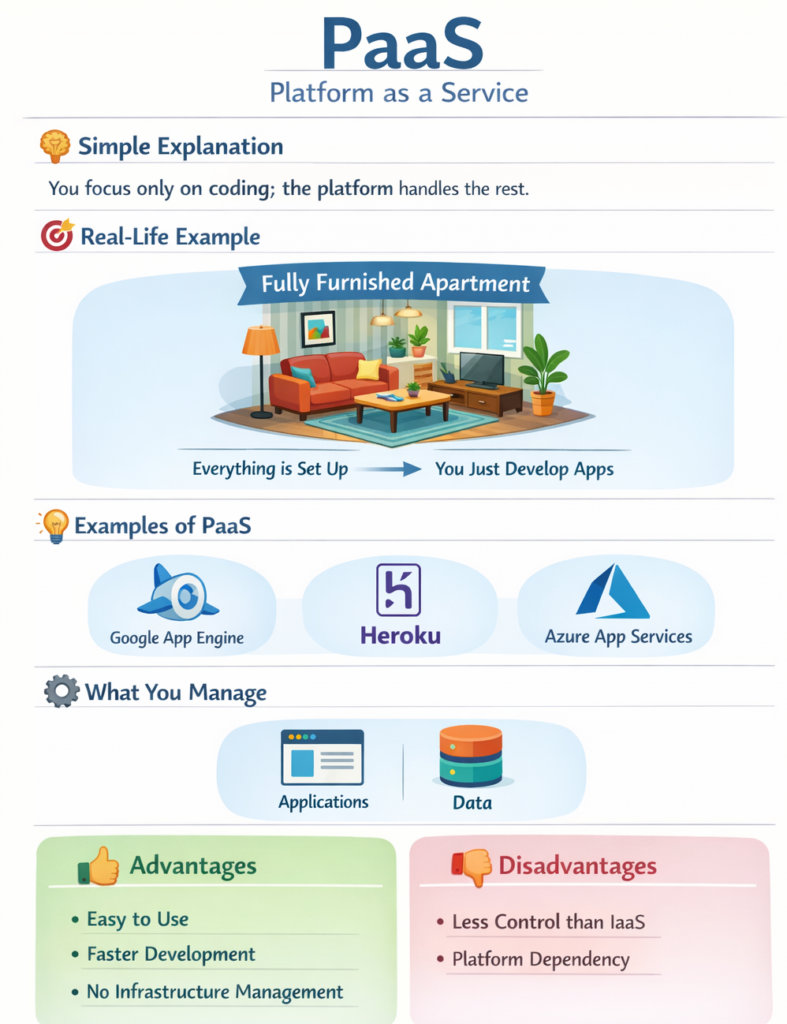
Real-Life Example: Think of a fully furnished apartment:
- Furniture and utilities are already set up
- You just live (or in this case, develop apps)
- Google App Engine
- Heroku
- Microsoft Azure App Services
What You Manage
-
Applications
-
Data
Advantages
- Easy to use
- Faster development
- No infrastructure management
Disadvantages
- Less control than IaaS
- Platform dependency
3. SaaS (Software as a Service)
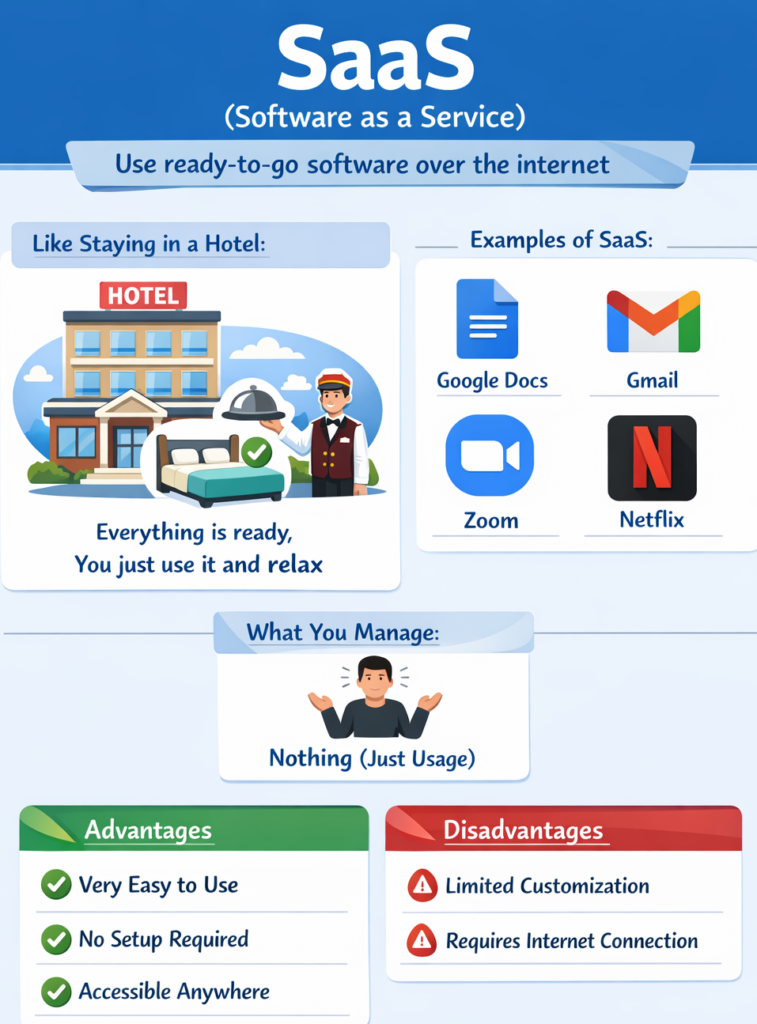
Real-Life Example: Like staying in a hotel:
-
Everything is ready (room, food, service)
-
You just use it and relax
Examples of SaaS
-
Google Docs
-
Gmail
-
Zoom
-
Netflix
What You Manage
-
Nothing (just usage)
Advantages
-
Very easy to use
-
No setup required
-
Accessible anywhere
Disadvantages
-
Limited customization
-
Requires internet connection
Comparison Table (IaaS vs PaaS vs SaaS)
| Feature | IaaS | PaaS | SaaS |
|---|---|---|---|
| Control Level | High | Medium | Low |
| User Role | IT/Admin | Developer | End User |
| Management | Most | Moderate | Minimal |
| Use Case | Hosting servers | App development | Using apps |
| Example | AWS EC2 | Heroku | Google Docs |
Easy Analogy (Pizza Example)
-
IaaS → You make pizza at home (everything is your responsibility)
-
PaaS → You use a pizza base and ingredients provided
-
SaaS → You order pizza online and just eat
Why Are Cloud Service Models Important?
-
Help businesses choose the right solution
-
Save time and cost
-
Improve scalability
-
Enable remote access and collaboration
When to Use Each Model?
-
Use IaaS when you need full control (e.g., system admins, startups)
-
Use PaaS for app development (developers)
-
Use SaaS for daily tools (students, businesses)
Chapter 03: Cloud Deployment Models Course Outline
Cloud deployment models define how cloud infrastructure is set up, managed, and accessed by users. They help organizations choose the right environment based on their needs for scalability, security, and cost efficiency.
Here is the course outline for cloud deployment models
Section 01: Introduction & Basics
This section introduces the fundamentals of cloud deployment models. It explains different types and why they are important in cloud computing. Beginners will understand how deployment models work in real-world scenarios.
- What Are Cloud Deployment Models? Beginner Guide
- Types of Cloud Deployment Models Explained
- Why Cloud Deployment Models Are Important
- How Cloud Deployment Models Work in Real World
Section 02: Public Cloud
This section focuses on the public cloud model, which is widely used in cloud computing. It explains its features, benefits, and limitations. Readers will understand how public cloud is used in real-world applications.
- What Is Public Cloud? Definition and Examples
- Key Features of Public Cloud Computing
- Advantages of Public Cloud
- Disadvantages of Public Cloud
- Real World Examples of Public Cloud
Section 03: Private Cloud
This section explains the private cloud model, which offers more control and security. It highlights its types and use cases. This model is ideal for organizations with strict security requirements.
- What Is Private Cloud? Explained Simply
- Types of Private Cloud (On-Premise vs Hosted)
- Key Features of Private Cloud
- Advantages of Private Cloud
- Disadvantages of Private Cloud
- Private Cloud Use Cases
Section 04: Hybrid Cloud
This section covers the hybrid cloud model, which combines public and private clouds. It explains how hybrid systems work and their benefits. This model provides flexibility and scalability.
- What Is Hybrid Cloud? Definition and Architecture
- How Hybrid Cloud Works Step by Step
- Benefits of Hybrid Cloud Computing
- Challenges in Hybrid Cloud Deployment
- Hybrid Cloud Use Cases
Section 05: Community Cloud
This section focuses on the community cloud model used by organizations with shared goals. It explains features, advantages, and limitations. This model is useful for collaborative environments.
- What Is Community Cloud? Explained with Examples
- Key Features of Community Cloud
- Advantages and Disadvantages of Community Cloud
- Community Cloud Use Cases
Section 06: Multi-Cloud Strategy
This section introduces the modern approach of using multiple cloud providers. It explains differences from hybrid cloud and key benefits. Multi-cloud improves flexibility and reduces dependency on a single provider.
- What Is Multi Cloud Strategy? Beginner Guide
- Multi Cloud vs Hybrid Cloud Differences
- Benefits of Multi Cloud Deployment
- Challenges in Multi Cloud Environments
- Multi Cloud Use Cases
Section 07: Comparison of Deployment Models
This section compares different cloud deployment models. It helps readers understand key differences, advantages, and limitations. Comparison is essential for selecting the right model.
- Public vs Private vs Hybrid Cloud Comparison
- Cloud Deployment Models Comparison Table
- Key Differences Between All Deployment Models
- Pros and Cons of Each Cloud Deployment Model
Section 08: Choosing the Right Deployment Model
This section focuses on decision-making for selecting the best deployment model. It explains important factors like cost, security, and business needs. This helps organizations choose wisely.
- How to Choose the Right Cloud Deployment Model
- Factors to Consider When Selecting Deployment Model
- Cost Comparison of Cloud Deployment Models
- Security Considerations in Deployment Models
- Business Use Case Based Selection Guide
Section 09: Real-World Applications
This section connects deployment models with real-world usage. It explains how businesses and industries use different models. Practical examples improve understanding.
- Real World Examples of Cloud Deployment Models
- Cloud Deployment Models in Enterprises
- Cloud Deployment Models for Startups
- Industry Wise Use Cases (Healthcare, Finance, Education)