












What Is Serverless Computing (FaaS) Basic Introduction
Serverless computing is a powerful cloud computing model that allows developers to build and run applications without managing servers, infrastructure, or operating systems. It simplifies development by letting you focus only on writing code while the cloud provider handles everything behind the scenes.
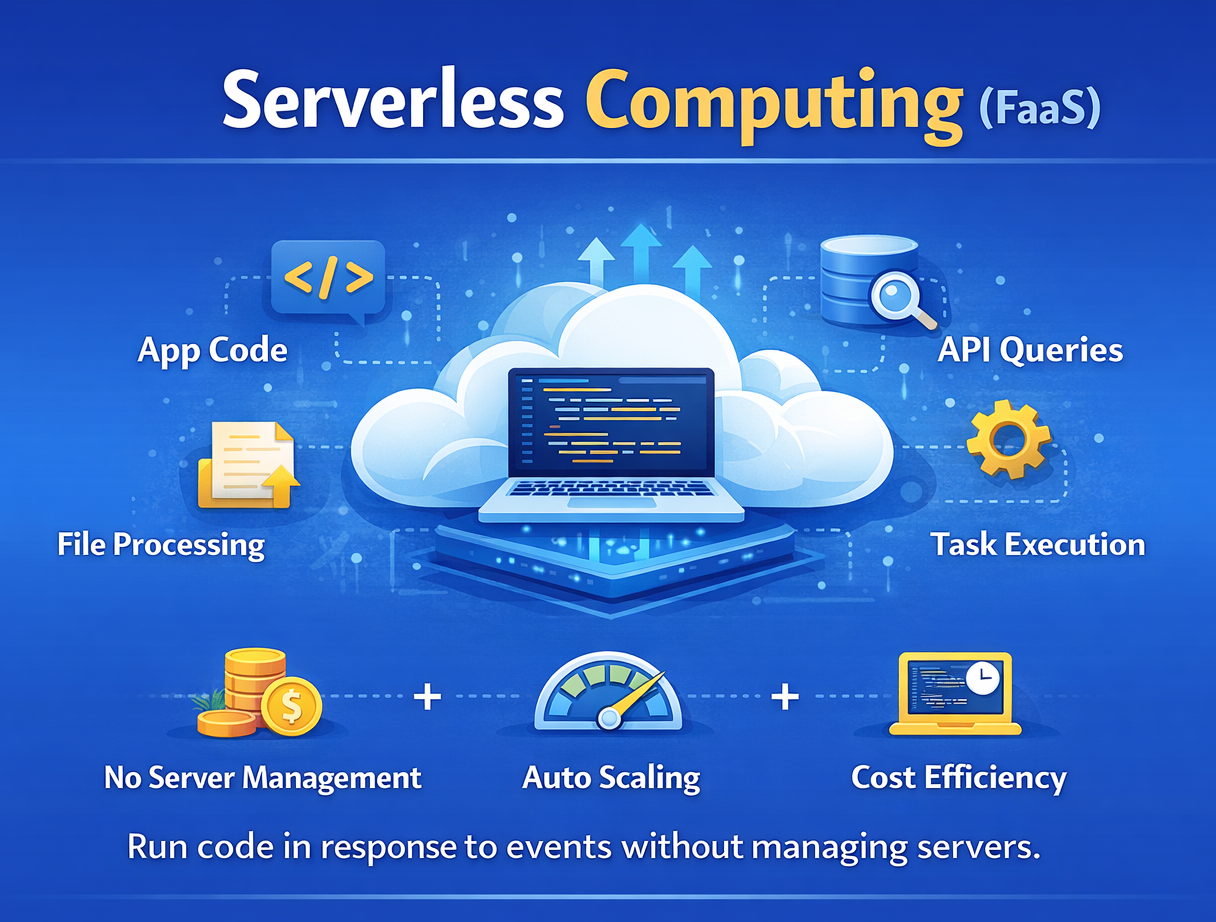
What is Serverless Computing?
Serverless Computing: A cloud execution model where applications run in stateless, on-demand environments, and infrastructure is fully managed by the cloud provider. Even though servers exist, developers do not manage them. The system automatically handles provisioning, scaling, and maintenance.
Key Features of Serverless Computing
- No Server Management: Developers do not configure or maintain servers. The cloud provider manages hardware, OS, and runtime.
- Event-Driven Execution: Functions run only when triggered by events such as HTTP requests, file uploads, or database changes.
- Automatic Scaling: The system automatically scales resources up or down depending on workload.
- Pay-as-You-Go Pricing: You pay only for the time your code is executing, not for idle resources.
- High Availability: Built-in redundancy ensures applications remain available with minimal downtime.
What is Function as a Service (FaaS)?
Function as a Service (FaaS): The core technology behind serverless computing where applications are divided into small, independent functions. Each function performs a specific task and runs independently.
Key Features of FaaS
- Small Functions: Each function handles a single responsibility, making applications modular and easy to manage.
- On-Demand Execution: Functions execute only when triggered and stop immediately after completing the task.
- Stateless Nature: Functions do not store data between executions, improving scalability and flexibility.
- Fast Deployment: Functions can be deployed quickly without setting up infrastructure.
- Built-in Scalability: Each function scales automatically based on incoming requests.
How Serverless Computing Works (Step-by-Step)
Serverless computing follows an event-driven architecture where code runs only when triggered, without managing servers. This model ensures efficient resource usage, automatic scaling, and cost optimization. Below is a clear and improved step-by-step explanation for better student understanding.
Step 1: Event Trigger
An action occurs that starts the serverless workflow.
What Happens Here:
- User Action: A user sends a request (API call, login, form submission)
- System Event: File upload, database update, or scheduled task
- Event Detection: Cloud platform detects the trigger automatically
Example: Uploading an image to cloud storage triggers a function.
Step 2: Function Invocation
The cloud provider identifies and activates the required function.
What Happens Here:
- Event Routing: Event is sent to the correct function
- Function Selection: Platform selects the relevant function
- Auto Provisioning: Required resources are prepared instantly
Example: Image upload triggers an image-processing function.
Step 3: Execution Environment Setup
A temporary environment (container) is created to run the function.
What Happens Here:
- Container Creation: A lightweight runtime environment is initialized
- Code Loading: Function code and dependencies are loaded
- Isolation: Each execution runs independently for security
Example: A container is created to process the uploaded image.
Step 4: Function Execution
The function runs and performs the assigned task.
What Happens Here:
- Code Execution: Business logic is executed
- Task Handling: Processing request, calculations, or operations
- Scalability: Multiple instances run if many requests arrive
Example: The function resizes the uploaded image.
Step 5: Data Processing
The function processes input data and generates output.
What Happens Here:
- Validation: Checks input data
- Transformation: Converts or modifies data
- Computation: Performs calculations or logic
Example: Image is resized and compressed for storage.
Step 6: Response Generation
The processed result is returned to the user or another system.
What Happens Here:
- Output Creation: Result is generated
- Response Delivery: Sent to API, database, or user interface
- Integration: Can trigger another function or service
Example: Processed image is saved and link is returned to the user.
Step 7: Automatic Shutdown
The execution environment shuts down after completing the task.
What Happens Here:
- Resource Release: Memory and compute resources are freed
- No Idle Cost: You are not charged when function is not running
- Stateless Nature: No data is stored after execution
Example: The container is removed after processing the image.
Advantages of Serverless Computing
Serverless computing advantages make it a powerful choice for modern cloud applications by improving efficiency, scalability, and development speed.
1. Cost Efficiency
Pay-as-You-Go: You are charged only when functions run, reducing unnecessary costs.
No Idle Charges: No cost for unused resources when the system is inactive.
2. Faster Development
Focus on Code: Developers only write business logic without worrying about infrastructure.
Quick Deployment: Applications can be built and launched faster.
3. Automatic Scalability
Auto Scaling: System automatically handles traffic increases and decreases.
High Performance: Maintains performance during peak loads.
4. Reduced Infrastructure Management
No Server Management: No need to handle servers, updates, or maintenance.
Simplified Operations: Cloud provider manages backend systems.
5. Improved Productivity
Less Operational Work: Teams focus on application features instead of infrastructure.
Faster Innovation: Developers can experiment and build new features quickly.
6. High Availability
Built-in Reliability: Cloud providers ensure uptime and fault tolerance.
Global Access: Services are available across multiple regions.
7. Easy Integration
Service Integration: Easily connects with databases, APIs, and cloud services.
Event-Driven Model: Works well with real-time applications and workflows.
Limitations of Serverless Computing
Serverless computing limitations highlight the challenges that developers may face when using this model.
1. Cold Start Delay
Initial Latency: First request may take longer due to environment setup.
Performance Impact: Can affect time-sensitive applications.
2. Limited Execution Time
Time Restrictions: Functions have maximum execution limits.
Not for Long Tasks: Unsuitable for long-running processes.
3. Less Control Over Infrastructure
Limited Customization: Developers cannot fully control servers or environments.
Provider Dependency: Infrastructure is managed by the cloud provider.
4. Debugging and Monitoring Complexity
Difficult Troubleshooting: Distributed systems make debugging harder.
Limited Visibility: Harder to track execution flow compared to traditional systems.
5. Vendor Lock-In
Provider Dependency: Applications rely on specific cloud services.
Migration Challenges: Moving to another provider can be difficult.
6. Security Concerns
Shared Environment: Multi-tenant architecture may introduce risks.
Configuration Issues: Misconfigurations can lead to vulnerabilities.
7. Resource Limitations
Memory and CPU Limits: Restricted resources per function.
Not Ideal for Heavy Workloads: Complex computations may face limitations.
Real-World Example – Image Upload Processing System in Serverless
Serverless computing enables automatic processing of user-uploaded images without managing servers or infrastructure. This example shows how images are uploaded, processed, and stored efficiently using an event-driven serverless workflow.
- User Uploads Image: A user uploads an image through a website or mobile application, which starts the process.
- Event Trigger Occurs: The upload action automatically creates an event in the cloud system that signals a process should begin.
- Function is Invoked: The cloud platform detects the event and instantly triggers the appropriate serverless function.
- Execution Environment Created: A temporary environment is automatically set up to run the function securely.
- Function Execution Starts: The function receives the image and begins executing the required logic.
- Image Processing: The system resizes, compresses, or optimizes the image based on requirements.
- Cloud Storage: The processed image is stored in cloud storage for easy access.
- Response Generated: A result, such as a processed image link, is returned to the user.
- Automatic Scaling: The system handles multiple uploads at the same time without performance issues.
- Execution Stops: The function automatically stops after completing the task.
- Cost Efficiency: You are charged only for the time the function runs, making it cost-effective.
When to Use Serverless Computing
Serverless computing is ideal for modern applications that require scalability, automation, and cost efficiency with minimal infrastructure management.
1. APIs and Web Applications
Serverless is widely used to handle backend logic and user requests efficiently.
Backend APIs: Manage requests without server management
Dynamic Web Apps: Handle authentication and data processing
2. Data Processing
Serverless is perfect for processing large amounts of data in real time or batches.
Real-Time Processing: Process streams, logs, and files instantly
Batch Processing: Handle large datasets like images and analytics
3. Automation Tasks
Serverless enables automatic execution of tasks without manual intervention.
Scheduled Jobs: Run backups, reports, and notifications
Event-Based Workflows: Trigger actions on specific events
4. IoT Applications
Serverless supports real-time data processing for connected devices.
Real-Time Data Handling: Process sensor and device data instantly
Scalable Systems: Handle large numbers of IoT events
5. Microservices Architecture
Serverless is ideal for building modular and scalable applications.
Independent Services: Small, loosely coupled functions
Faster Deployment: Update and deploy services independently
6. Event-Driven Applications
Serverless works best in systems that respond to events automatically.
Trigger-Based Execution: Run code only when events occur
Asynchronous Processing: Handle background tasks efficiently
7. Startups and Rapid Development
Serverless is suitable for quick development and low-cost deployment.
Quick Development: Build and launch applications faster
Low Initial Cost: No need for infrastructure investment
Serverless vs Traditional Cloud
Serverless computing offers simplicity, automatic scaling, and cost efficiency, while traditional cloud computing provides greater control and flexibility. The choice depends on application requirements and system complexity.
| Feature | Serverless (FaaS) | Traditional Cloud |
|---|---|---|
| Server Management | No server management required, handled by provider | Requires manual server setup and management |
| Scaling | Automatic scaling based on demand | Manual or semi-automatic scaling |
| Pricing Model | Pay only for execution time | Pay for running servers even if idle |
| Deployment Speed | Fast deployment with minimal setup | Slower due to infrastructure configuration |
| Maintenance | Minimal maintenance, managed by provider | High maintenance including updates and monitoring |
| Flexibility & Control | Limited control over infrastructure | Full control over servers and environment |
| Use Cases | Best for APIs, event-driven apps, microservices | Suitable for long-running and complex applications |
Conclusion
Serverless Computing (FaaS) is a modern and efficient cloud model that removes the complexity of infrastructure management. By using event-driven execution, automatic scaling, and pay-as-you-go pricing, it allows developers to build scalable and cost-effective applications quickly.
It is widely used in web applications, APIs, IoT systems, and real-time data processing, making it an essential concept in modern cloud computing and software development.