












What Is Community Cloud? Explained with Examples
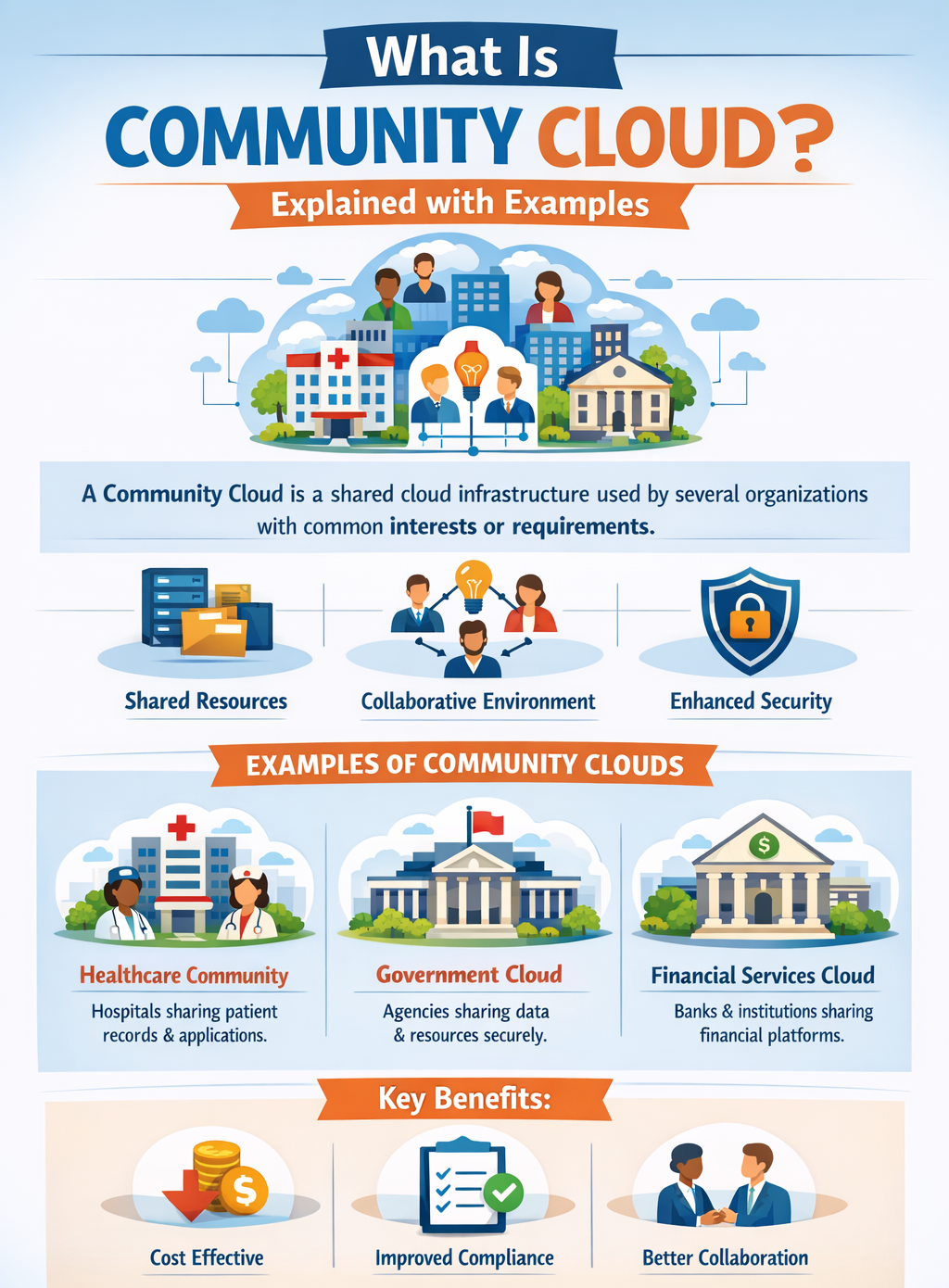
Community cloud is a type of cloud deployment model where infrastructure is shared by multiple organizations that have similar goals, security requirements, or compliance needs. It is designed for a specific group rather than the general public, making it more secure and collaborative.
What Is Community Cloud in Simple Terms?
Community cloud is a cloud environment shared by a group of organizations with similar needs, such as security, compliance, or industry requirements.
Simple Explanation
Think of community cloud as a shared system designed for a specific group of organizations.
- Shared by Similar Organizations: Multiple organizations with common goals use the same cloud.
- Restricted Access: Only authorized members of the community can access the cloud.
- Cost Sharing: Infrastructure and maintenance costs are divided among participants.
Definition of Community Cloud
Community cloud is a cloud computing model where infrastructure is shared among organizations with common concerns, such as security policies, compliance requirements, or performance needs.
Key Characteristics of Community Cloud
Community cloud includes features that make it ideal for collaborative and regulated environments.
Main Characteristics
These characteristics define how community cloud operates.
- Shared Infrastructure: Resources are shared among a specific group, not the general public.
- Common Requirements: Designed for organizations with similar regulatory or operational needs.
- Cost Sharing: Expenses are distributed among participating organizations.
- Enhanced Security: More secure than public cloud due to restricted and controlled access.
How Community Cloud Works
Community cloud operates by providing a shared and controlled environment for multiple organizations.
Step-by-Step Working
This process explains how community cloud functions.
- Organizations Form a Group: Entities with similar requirements collaborate.
- Cloud Infrastructure is Set Up: A shared cloud environment is created for the group.
- Access is Restricted: Only authorized organizations can access the system.
- Resources are Shared: Storage, applications, and services are used collectively.
Examples of Community Cloud
Community cloud is commonly used in industries where collaboration and compliance are essential.
Real-Life Examples
- Government Organizations: Different departments share a cloud for data management and collaboration.
- Healthcare Institutions: Hospitals share a cloud to securely manage patient records.
- Educational Institutions: Universities share resources for research, learning, and academic projects.
Advantages of Community Cloud
Community cloud offers several benefits for organizations that share common goals, regulations, and infrastructure needs.
Key Benefits
These benefits make community cloud suitable for collaborative environments.
- Cost Sharing: Reduces expenses by dividing infrastructure and maintenance costs among members.
- Improved Collaboration: Enables organizations to work together efficiently on shared projects and data.
- Enhanced Security: Restricted access ensures better data protection compared to public cloud.
- Compliance Support: Designed to meet industry-specific regulations and standards.
Disadvantages of Community Cloud
Despite its benefits, community cloud has some limitations that organizations must consider.
Limitations
These challenges affect flexibility and management.
- Limited Flexibility: Not ideal for organizations with different or unique requirements.
- Shared Control: Decisions must be agreed upon by all participating members.
- Management Complexity: Requires coordination and communication among multiple organizations.
When to Use Community Cloud
Community cloud is ideal for organizations that have shared requirements, policies, and collaboration needs.
Best Use Cases
These scenarios highlight where community cloud is most effective.
- Government Departments: Sharing data and services securely across agencies.
- Healthcare Sector: Managing patient data while meeting strict compliance requirements.
- Research Organizations: Collaborating on joint projects and sharing resources.
Real-World Scenario
Community cloud is widely used in environments where collaboration and shared infrastructure are essential.
Example: University Collaboration
- Shared Research Data: Universities share research findings and datasets.
- Common Infrastructure: Access to shared tools, platforms, and computing resources.
- Secure Access: Only authorized institutions can use the cloud environment.
Top 5 FAQs (Interview & Exam Focused)
1. What is community cloud?
Community cloud is a cloud environment shared by multiple organizations with common requirements. It provides a secure and collaborative platform for specific groups.
2. How is community cloud different from public cloud?
Community cloud is restricted to specific organizations, while public cloud is open to everyone. It offers more security and control compared to public cloud.
3. Who uses community cloud?
Government agencies, healthcare organizations, and educational institutions commonly use it. It is suitable for groups with similar goals and compliance needs.
4. What are examples of community cloud?
Examples include shared government systems, hospital networks, and university research platforms. These environments allow secure collaboration among organizations.
5. What is the main benefit of community cloud?
The main benefit is cost sharing along with enhanced security. It allows organizations to collaborate while maintaining data protection.
Conclusion
Community cloud is a collaborative cloud deployment model designed for organizations with shared requirements, goals, and regulations. It provides a balanced approach by combining shared infrastructure, cost efficiency, and enhanced security, making it suitable for environments where multiple organizations need to work together.
With its ability to support compliance, secure data sharing, and collaboration, community cloud is an ideal solution for sectors such as government, healthcare, and education. Understanding this model helps organizations choose the most appropriate cloud strategy for shared and regulated environments.