













Best AI Tools for Creating Programming Tutorials and Technical Videos
Programming tutorials and technical videos have become an important way for developers, educators, and students to share knowledge. From coding walkthroughs and software demonstrations to database tutorials and AI explanations, video content helps make complex technical concepts easier to understand.
However, creating a high-quality programming tutorial involves more than simply recording a screen. Creators need to plan lessons, capture code demonstrations, explain concepts clearly, edit recordings, add visuals, improve audio quality, and prepare content for different platforms.
AI tools are helping simplify this process by supporting different stages of technical content creation. They can help creators organize recordings, improve explanations, edit videos faster, and create more engaging learning materials.
For developers and educators building online courses, YouTube channels, or technical documentation, AI-powered video workflows can reduce repetitive tasks and make content production more efficient.
Here are some of the best AI tools for creating programming tutorials and technical videos in 2026.
1. Invideo Editor
Best for: Editing programming tutorials, project walkthroughs, and technical explainer videos
Creating a programming tutorial often requires managing multiple types of content at once. A creator may need to combine screen recordings, webcam footage, voice explanations, code demonstrations, and supporting visuals into one clear lesson.
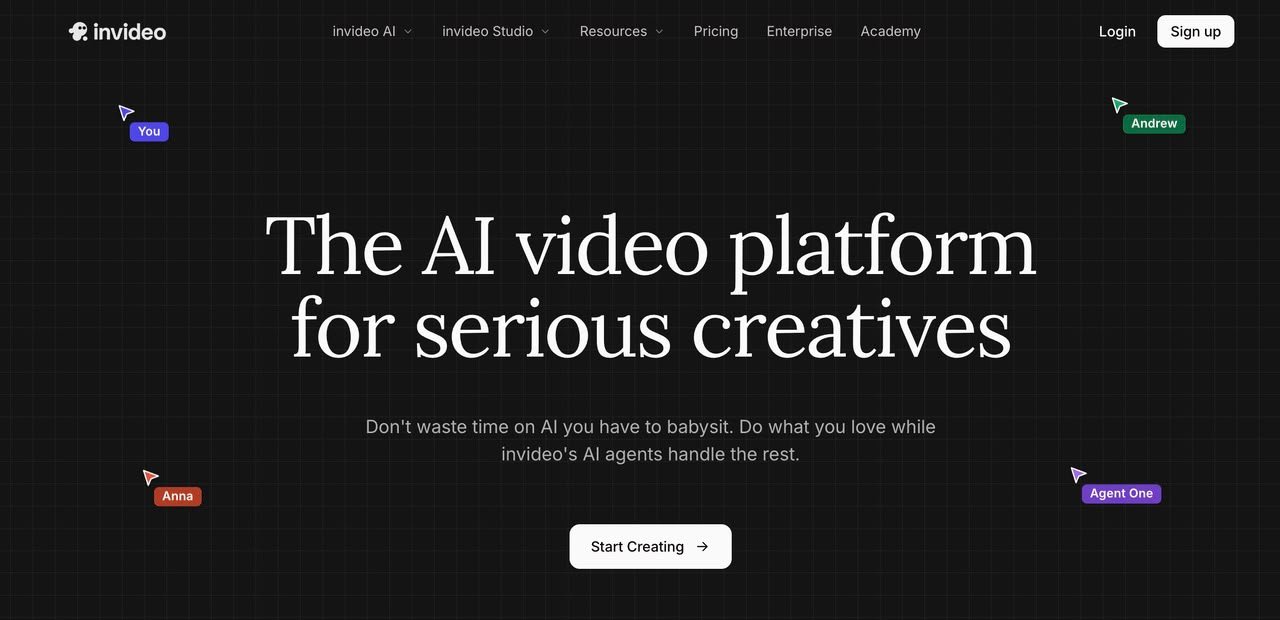
Invideo Editor helps simplify this process by combining AI-assisted editing features with a timeline-based editing workflow. Creators can work with recorded tutorials, coding demonstrations, and educational videos while using AI assistance to handle repetitive editing tasks.
For example, a developer recording a tutorial series may capture several takes while explaining a concept. AI editing agents can help review footage, remove unnecessary sections, organize clips, and create a cleaner starting point that can be refined further.
This makes it easier to focus on explaining technical concepts rather than spending hours managing editing details.
Key features:
- AI-assisted footage organization
- Timeline-based video editing
- Support for creating first cuts
- Clip refinement and content adjustments
- Tools for creating educational videos
Best use cases:
- Programming tutorials
- Coding walkthroughs
- Software project demonstrations
- Online course videos
- Technical presentations
Creators looking for an AI-powered video editing tool can use platforms like invideo editor to speed up the editing process while maintaining control over the final content.
2. OBS Studio
Best for: Recording coding sessions and live technical demonstrations
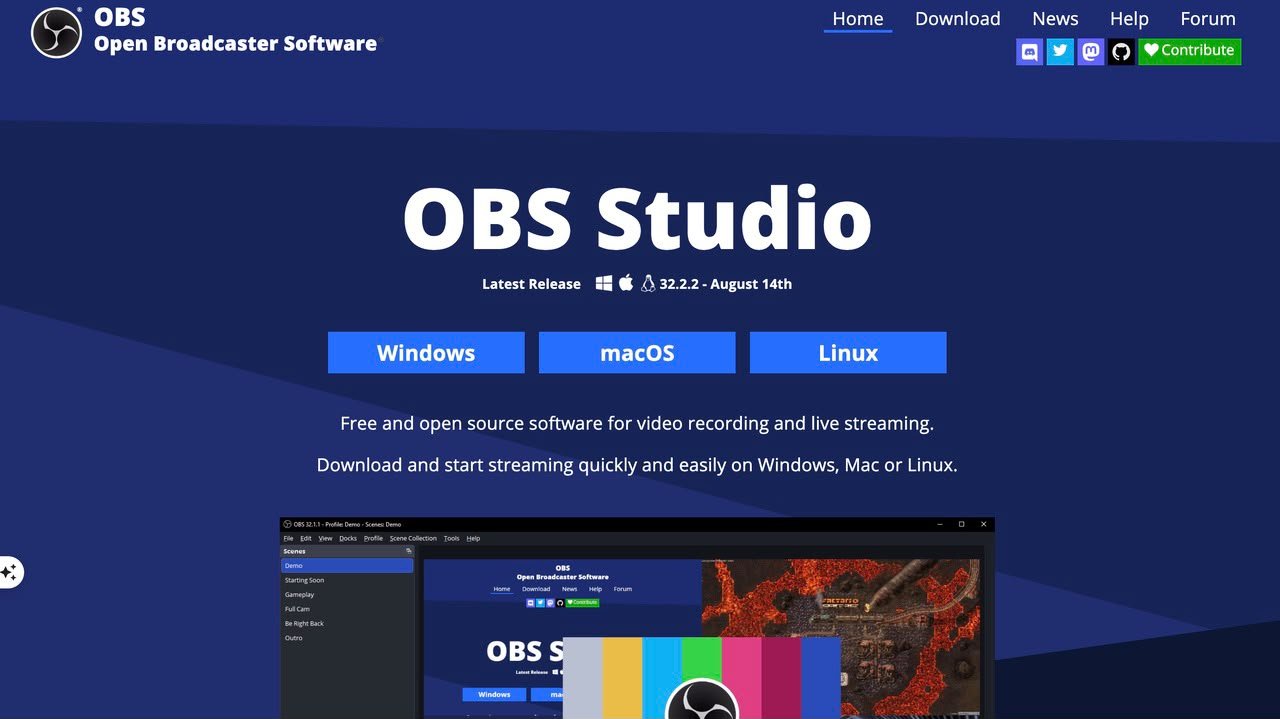
OBS Studio is one of the most popular tools for recording screens, webcams, and live streams. For programming tutorials, screen recording is often the first step because students need to see the actual development process.
Developers can use OBS Studio to capture code-writing sessions, software demonstrations, debugging processes, and live programming lessons.
While OBS Studio focuses mainly on recording rather than editing, it provides creators with flexibility when capturing technical content.
Key features:
- Screen recording
- Webcam integration
- Audio mixing
- Scene management
- Live streaming support
Best use cases:
- Coding tutorials
- Live programming sessions
- Software demonstrations
- Developer streams
OBS Studio works well as a recording foundation, especially when combined with AI-powered editing tools that help refine the captured footage later.
3. Descript
Best for: Editing tutorial videos through text-based workflows
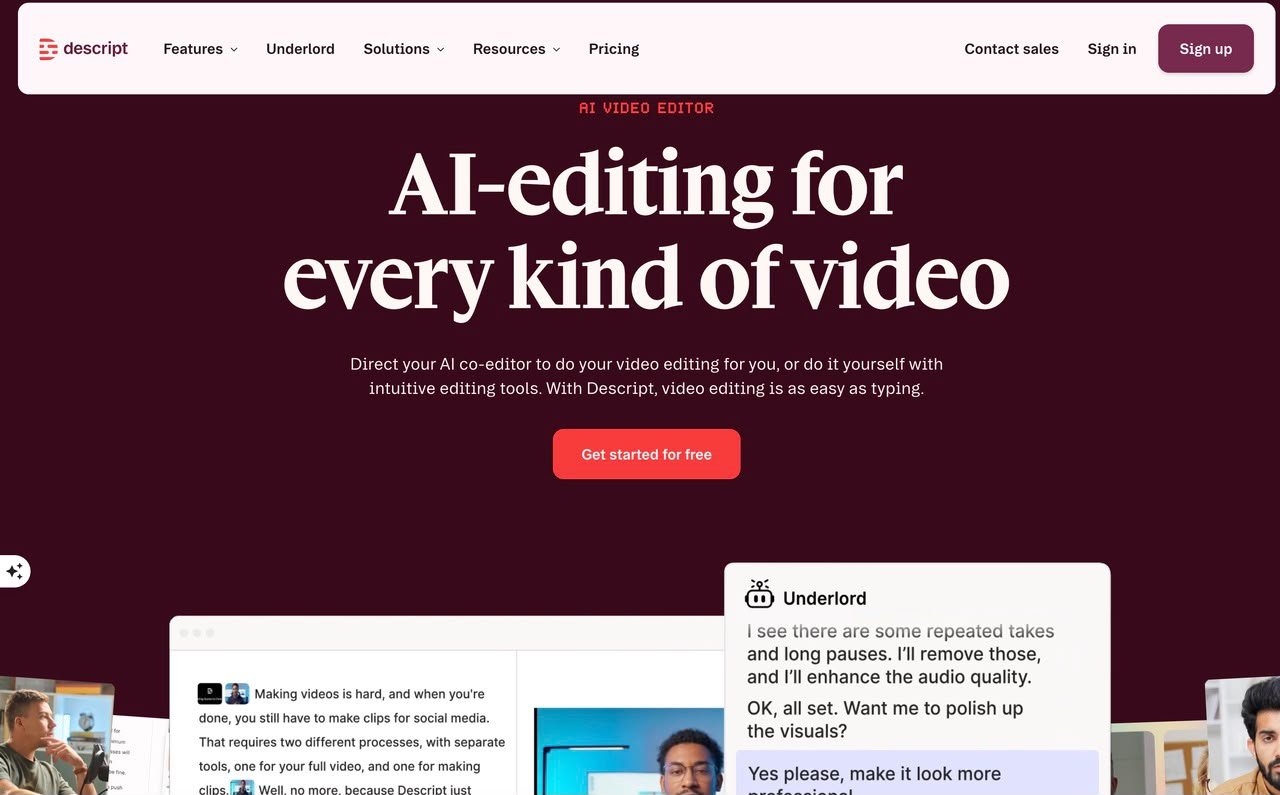
Descript takes a different approach to video editing by allowing creators to edit content through transcripts. Instead of manually searching through a timeline, users can modify spoken content by editing the generated text.
This can be useful for programming instructors who create explanation-heavy videos. Many technical tutorials include detailed voice explanations, and removing mistakes or improving flow can take significant time.
Descript helps simplify this process by connecting transcript editing with video editing.
Key features:
- Text-based video editing
- Automatic transcription
- Audio cleanup
- Caption generation
- Voice editing tools
Best use cases:
- Programming lectures
- Developer interviews
- Technical discussions
- Educational podcasts
For creators producing tutorials with detailed explanations, text-based editing can make the revision process faster and more efficient.
4. Canva
Best for: Creating visuals and educational assets for technical videos
Programming tutorials often need more than screen recordings. Creators may need diagrams, presentation slides, thumbnails, illustrations, and visual explanations to make complex topics easier to understand.
Canva helps creators design these supporting materials with templates and AI-powered design features.
For example, a software engineering instructor can create visual explanations for system architecture, programming concepts, workflows, or course presentations.
Key features:
- AI-assisted design tools
- Presentation templates
- Visual assets
- Thumbnail creation
- Educational graphics
Best use cases:
- Course materials
- Tutorial thumbnails
- Technical diagrams
- Presentation videos
Canva is especially useful for creators who want to improve the visual quality of their educational content without advanced design skills.
5. ElevenLabs
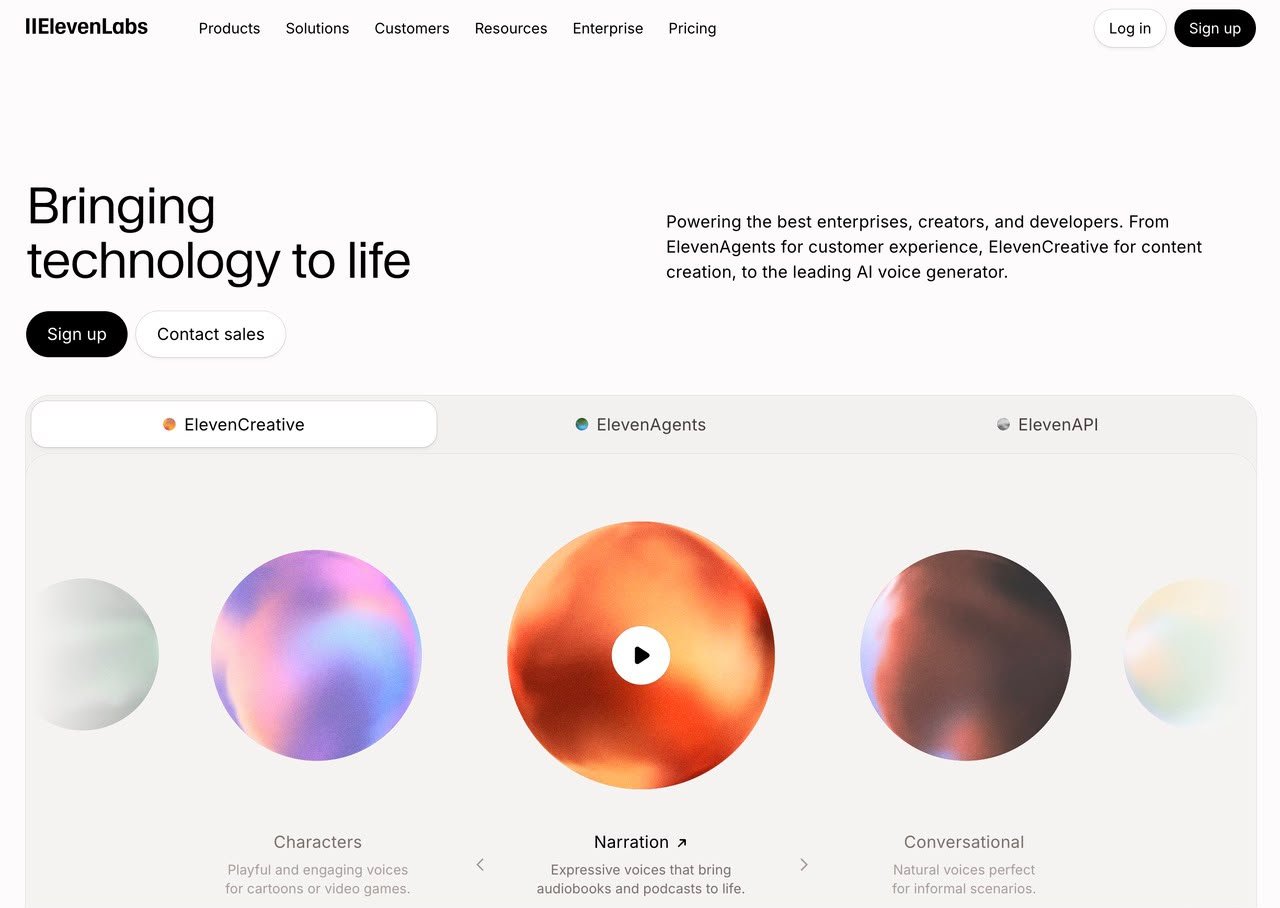
Best for: Creating realistic voiceovers for technical videos
Clear explanations are essential in programming tutorials. A strong voiceover can help students understand complicated concepts and follow along with coding demonstrations.
ElevenLabs provides AI voice tools that help creators generate natural-sounding narration and improve the audio quality of educational videos.
This can be useful for developers who prefer preparing scripts before recording or need voiceovers for different versions of their tutorials.
Key features:
- AI voice generation
- Voice customization
- Natural narration
- Multilingual voice support
- Audio enhancement features
Best use cases:
- Programming tutorials
- Online courses
- Technical explainers
- Educational presentations
Good audio quality can significantly improve the learning experience, especially for students following detailed technical lessons.
How Can AI Tools Improve Programming Tutorial Creation?
Creating technical videos involves several stages, and AI can support each part of the workflow.
Planning lessons
AI tools can help creators structure tutorials, organize topics, and prepare explanations before recording.
Recording demonstrations
Screen recording tools allow developers to capture coding sessions, while AI assistants can help improve lesson preparation.
Editing content
AI-powered editing tools can reduce time spent removing mistakes, organizing clips, and improving the flow of tutorials.
Adding supporting elements
Visual design tools can help creators add diagrams, slides, captions, and graphics that improve understanding.
Publishing and repurposing
AI tools can help transform longer tutorials into shorter clips, summaries, and educational content for different platforms.
By combining these capabilities, developers and educators can create more consistent and engaging technical content.
What Should Developers Look for in an AI Video Tool?
The best tool depends on the type of content being created. A developer recording coding sessions may prioritize screen capture, while an educator creating full courses may need stronger editing and organization features.
Important factors to consider include:
Editing flexibility
Creators should choose tools that provide enough control to refine videos rather than relying only on automatic generation.
Support for educational content
Technical videos often require code demonstrations, explanations, and visual support. Tools should fit this specific workflow.
Time-saving features
AI features are most valuable when they reduce repetitive tasks such as cleanup, organization, and formatting.
Quality of output
Clear visuals, good audio, and smooth editing are essential for creating effective learning materials.
The Future of AI-Powered Programming Tutorials
AI is changing how developers and educators create technical content. Instead of spending most of their time on manual editing and production tasks, creators can use AI tools to streamline workflows and focus on teaching.
The future of programming tutorials will likely combine human expertise with AI assistance. Developers will continue creating the explanations, examples, and projects that make content valuable, while AI helps make production faster and more efficient.
As AI video workflows continue improving, creating high-quality programming tutorials will become more accessible to students, developers, and educators around the world.
