Best Free Logo Makers for Small Businesses in 2026
For most small businesses, their logo needs to do three things: look professional, be relevant to the business, and cost as little as possible.
That’s way harder than it sounds.
Because most free logo makers online aren’t actually free. You find a design you like, spend time editing it to perfection, only to discover that you have to pay for a subscription to download it. Or it is technically free, but it has a watermark or is only available in low-quality.
For small businesses operating on tight budgets, those details matter. A “free” logo isn’t useful if you can’t actually download it or if what you can download doesn’t look good.
To find the best free logo makers, we looked beyond marketing claims and evaluated what business owners can actually get without paying. We also looked at these logo maker tools specific strengths – because aside from being free, you also need a unique selling point to be the best among them.
Let’s take a look at our findings below.
TL;DR: Which Free Logo Maker Should You Choose?
- Choose Design.com if you want the most relevant, on-brand logo concepts.
- Choose BrandCrowd if you want the largest variety of creative logo concepts and design directions.
- Choose Canva if you want to collaborate with your team to create the logo.
- Choose Adobe Express if you want deeper and more advanced editing capabilities.
- Choose Wix Logo Maker if you want a guided logo creation process.
- Choose Shopify Logo Maker if you need a basic e-commerce-ready logo as quickly as possible.
How We Picked The Best Free Logo Makers
For this review, we looked at:
✓ Whether logos can be downloaded for free
✓ Whether the free downloads include watermarks or quality restrictions
✓ The file formats available
✓ The number of free logo templates to choose from
✓ Editing features limitations, e.g., can you access every feature on the free plan or are some locked behind a paywall
Then we also looked at the whole editing experience and the overall quality of the designs. Because even if the logo is free, if it’s not visually appealing or not relevant to your brand, then it’s still not a good logo in the end. So we also looked at these factors:
✓ Quality of the logo (are they relevant to your brand, does it hit the brief, is it visually appealing)
✓ Originality of the logo concepts (do the logos look distinctive and unique, or do they look like stock logos)
✓ If the editor is easy to use and navigate
✓ If the logo maker tool provides more features beyond the logo maker
We also excluded tools that relied heavily on outdated stock graphics, provided unclear licensing terms, or were more about a freelancer marketplace rather than actual logo generators.
Top 6 Free Logo Makers for Small Businesses
Let’s now take a look at the free logo maker tools that joined our list after our long testing and review.
1. Design.com – Best for Fast, On-Brand Logo Creation
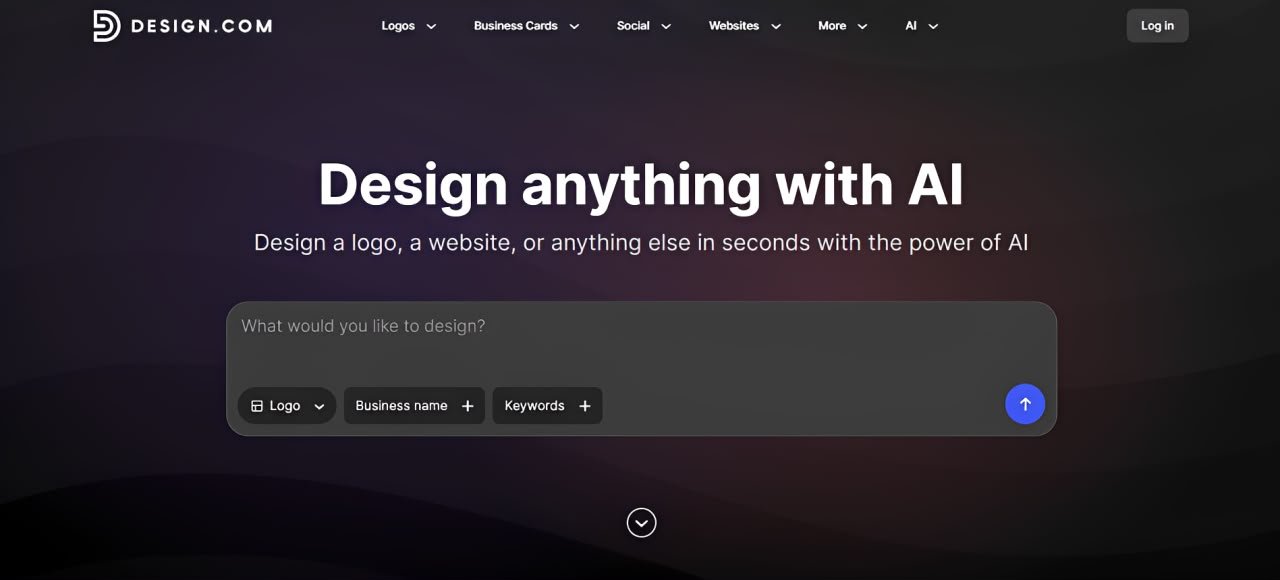
Design.com’s logo maker delivers the strongest overall logo design experience of any tool we tested.
First is brand relevance. While many logo makers do generate designs based on keywords, Design.com places greater emphasis on understanding the business name, industry context, and your brand brief before generating results.
The difference is subtle but noticeable. The logos feel like they were thoughtfully and intentionally created for the business’s specific identity rather than simply matching words associated with it.
For example, entering a prompt like “a friendly and approachable copywriting agency” doesn’t simply produce logos containing pen or paper. Instead, the platform generated concepts that are connected to the “friendly and bubbly” brand positioning. The result is that logos feel more “you” and require fewer revisions before they feel usable.
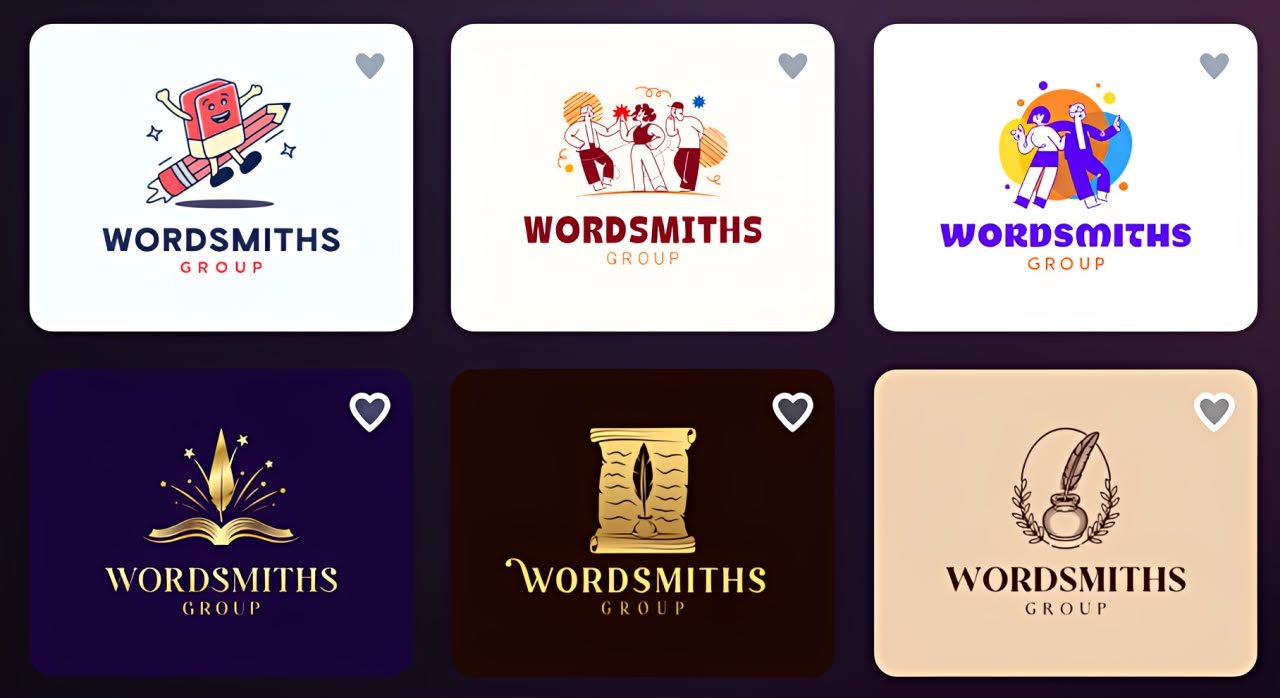
The platform’s sheer scale is also something to note. With more than 500,000 logo templates (the largest among competitors), 750+ fonts, and over 62,000 custom shapes, there’s enough depth in their library to support virtually any industry you can think of.
Another standout feature is the AI chat feature. Users can request logo changes through a conversational interface rather than manually adjusting every element. This makes the editing process considerably easier than on platforms that require you to do everything yourself.
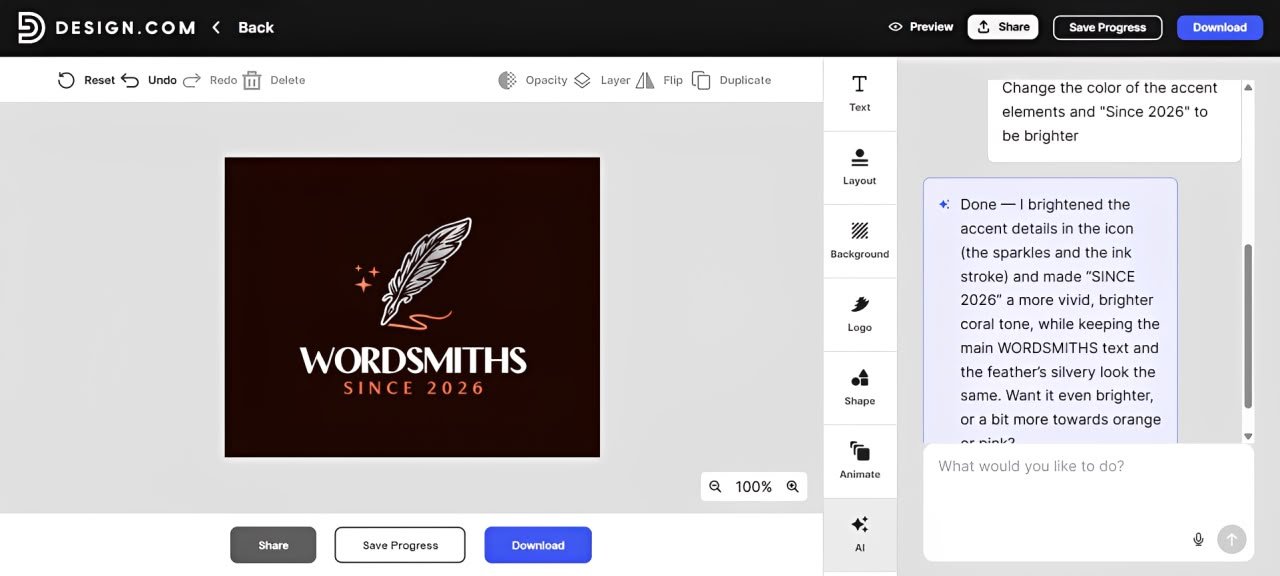
Now all of these sounds great, but how does Design.com fare as a free logo maker?
What You Get For Free:
- Templates are divided into free templates and premium templates. Free templates are literally free; you can get them without subscribing to a plan or doing a free trial. Premium templates do require a subscription, which starts at $9 per month.
- No watermarks on the free logos.
- Free logos come in all the high-quality logo files available, just like you get on the premium ones.
- All editor features are available in the free logos (yes, even the AI chat).
- There are a good number of free logos to choose from (unlike some tools, where the ratio of free vs. premium is overwhelmingly on the premium side).
The Verdict:
Design.com consistently generated the most relevant logos during testing. Instead of giving generic concepts that only loosely match a keyword, it creates logos that align with the intended brand positioning and identity. Their free logos also offer the most value compared to other tools, which is why they are #1 on the list.
2. BrandCrowd – Best for Creative Variety
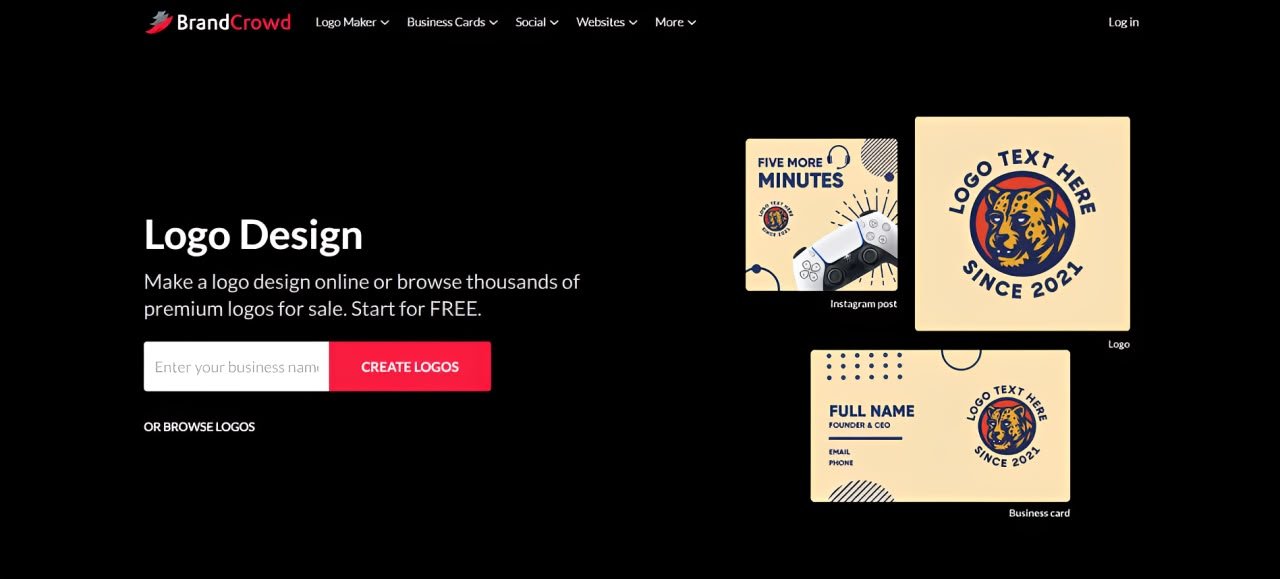
BrandCrowd’s biggest strength is creative range. During testing, it consistently produced a broader range of visual directions, styles, layouts, and branding approaches than most competitors.
This makes BrandCrowd particularly useful for owners who know what their business does but haven’t yet decided what it should look like. Instead of receiving variations of the same concept, users are presented with multiple directions to consider.
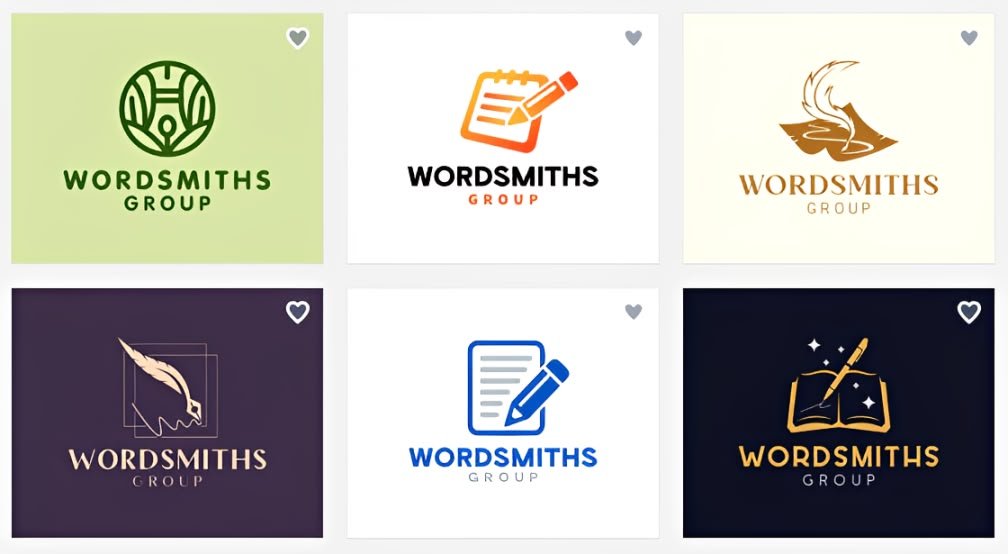
The platform’s library of more than 380,000 professionally designed logo templates (the second largest among competitors) also plays a major role here. The library size ensures that you’ll always get lots of options, no matter what style or niche you need.
BrandCrowd’s editor is also intuitive. It’s a simple drag and drop so moving icons around or changing colors should be a breeze. What’s also great is that you can fully customize every aspect of the design, unlike some tools where editing can get pretty limited.
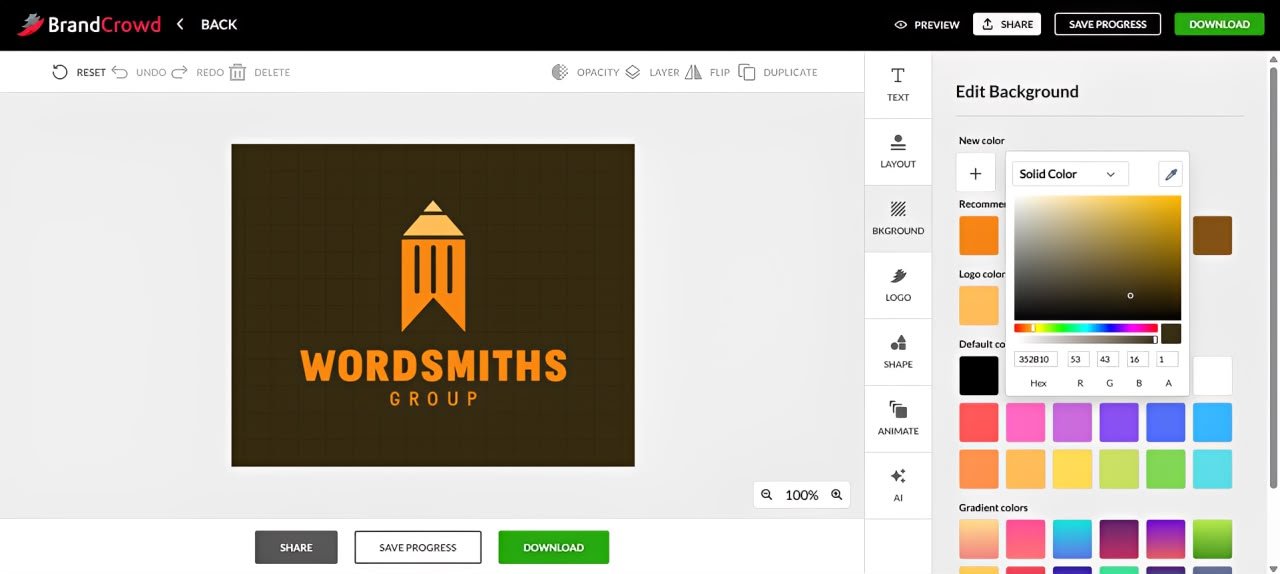
One fun detail we noticed is that BrandCrowd auto-populates logos to reflect your brand name if you entered one. If you haven’t, it places a relevant placeholder name to the results. This makes it easier to visualize your business as a proper brand.
What You Get For Free:
- Just like Design.com, templates are divided into free templates vs premium templates. Their free templates are also truly free, no hidden charges or surprise restrictions.
- No watermarks on the free logos.
- Free logos are high-quality. It also comes in PNG, JPG, SVG, PDF, EPS, MP4, GIF formats.
- All editor features are available in the free logos, nothing is locked behind a paywall.
- There are a lot of free logo templates to choose from.
The Verdict:
BrandCrowd offers the strongest creative experience. If you’re still exploring your brand identity and want to compare a wide range of logo design concepts before making a decision, it’s one of the best options available.
From a free standpoint, the platform is more generous than many competitors. Their free and premium plans feel the same, just that you get more designs and options in the premium plans. It doesn’t feel restrictive, unlike other tools.
3. Canva – Best for Collaborative Teams
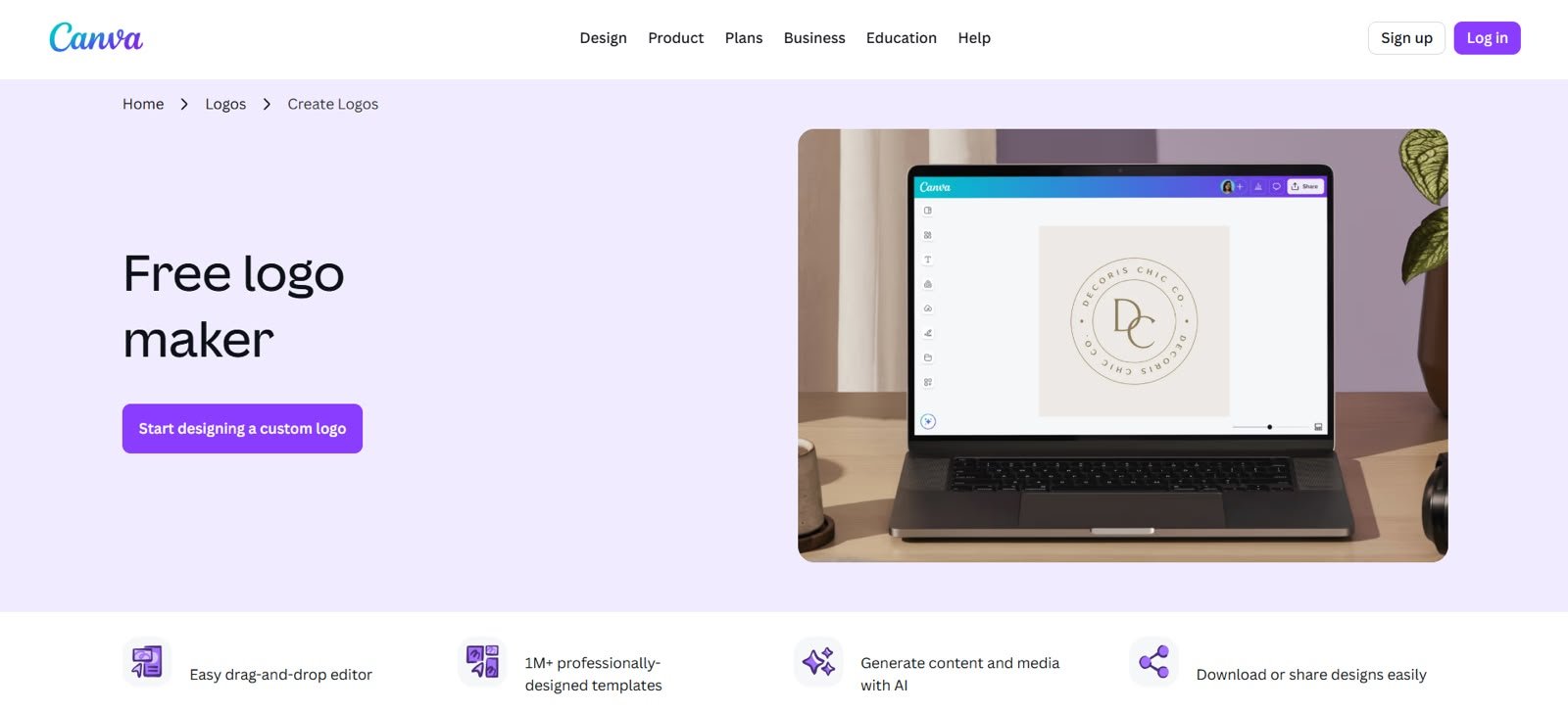
Canva is a popular logo maker tool, particularly known for its large library of design templates and its easy drag-and-drop editor.
But for us, what makes Canva stand out is its collaboration functionality. Multiple team members can work on the same logo in real time, leave comments directly on designs, organize assets inside shared workspaces, and maintain consistency through Brand Kits. Even for small teams, it’s a very useful feature, as it can make the process significantly smoother (rather than dealing with multiple emails or drowning in long threads in your chat apps).
So, how is Canva as a logo maker? We find that while Canva offers many templates, the designs tend to be bland and generic. It’s like they were geared to fit a huge swatch of business, rather than something more tailored or specific. Users willing to spend a little extra time customizing templates can create solid logos, especially since Canva has a huge library of design assets, icons, and illustrations to choose from. But if you want to get a logo that is already perfect for your brand right from the start, it’s still best to go for Design.com.
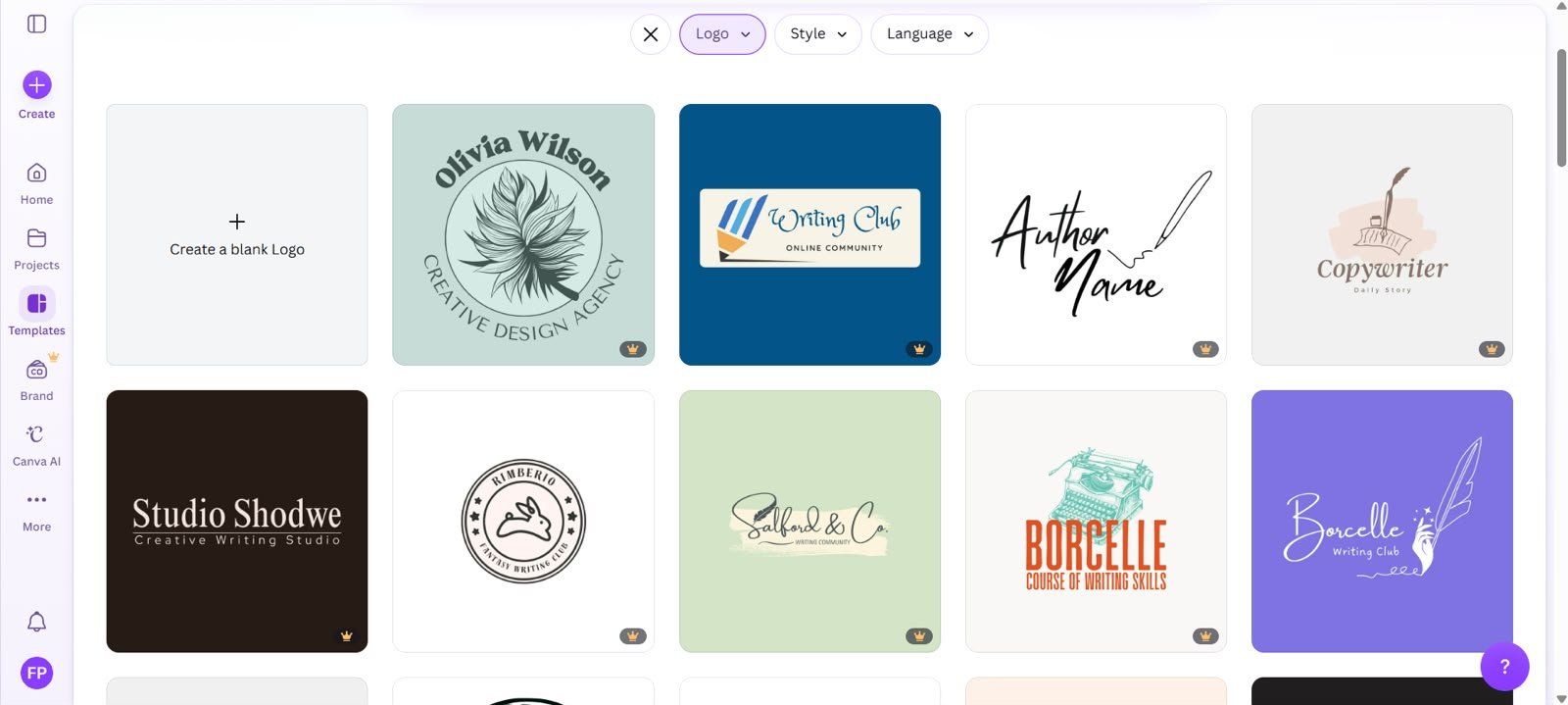
We also noticed that while you can enter your brand name while searching for logos, it doesn’t reflect on the designs, unlike BrandCrowd. It’s not a huge deal, but it does make it harder to fully see the vision sometimes.
Now, how about the free logo maker part?
What You Get For Free:
- Templates are divided into free and premium templates. Free templates can be used without subscribing or starting a trial. Premium templates require Canva Pro.
- Assets, icons, and illustrations are also divided into free and premium. You can’t download a logo that uses a premium element without subscribing to Canva Pro.
- No watermarks on logos created entirely with free elements.
- Free logos are available in PNG, JPG, PDF Standard, SVG, and other supported formats, though some export options and settings are reserved for paid plans.
- Basic collaboration features are available for free, including sharing designs, inviting collaborators, editing together, and leaving comments.
- Core logo editing features such as changing fonts, colors, layouts, and graphics are available for free, but advanced tools like Brand Kit feature, background remover, or AI tools are restricted to Canva Pro.
- While there are plenty of free logo templates available, many of Canva’s most polished templates sit behind the Pro subscription.
The Verdict:
Canva is a good option for businesses that prefer team input during logo creation.
The free plan also gives you enough to design, collaborate, and download a usable logo. However, you need to pay extra attention to what you are using, since elements are also divided into free vs paid. That’s a different model from Design.com or BrandCrowd, where the distinction is only between free logos vs premium logos, rather than worrying about the individual assets inside the logo.
Canva’s editor may also feel restrictive on the free plan, since you can’t access some of their better features and their AI tools.
4. Wix Logo Maker – Best for Guided Logo Creation Process
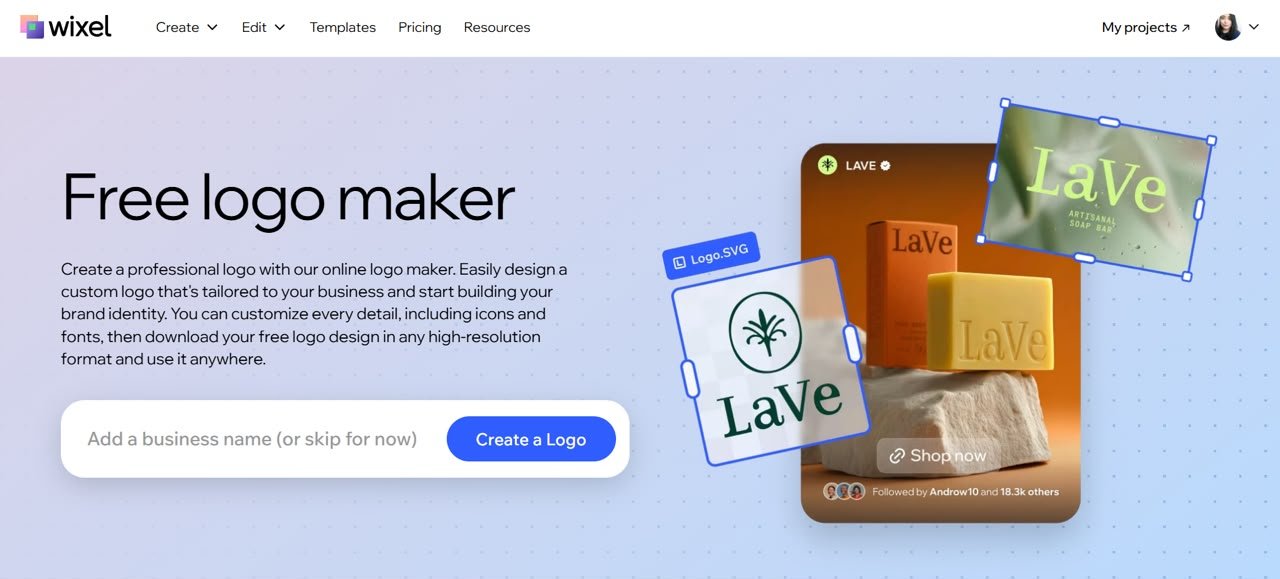
Wix’s logo maker (now called Wixel) takes a more guided approach than most of the tools on this list. Instead of immediately showing you hundreds of logos to browse through, it starts with a questionnaire about your business and style preferences.
This might sound like a small detail, but it actually makes a noticeable difference. For owners who don’t have a strong design background and are unsure how to even get started designing, this can make the process feel much less overwhelming.
We also found that the generated logos generally felt more intentional than, say, Canva. The platform does a good job translating brand identity and style preferences into visual concepts, which helps narrow down options early on.
However, there are limitations. One is that Wix only shows four logo options per generation. That’s way fewer compared to Design.com. And while Wix’s logos do feel intentional, Design.com still beats them with the overall brand relevance of their logo results.
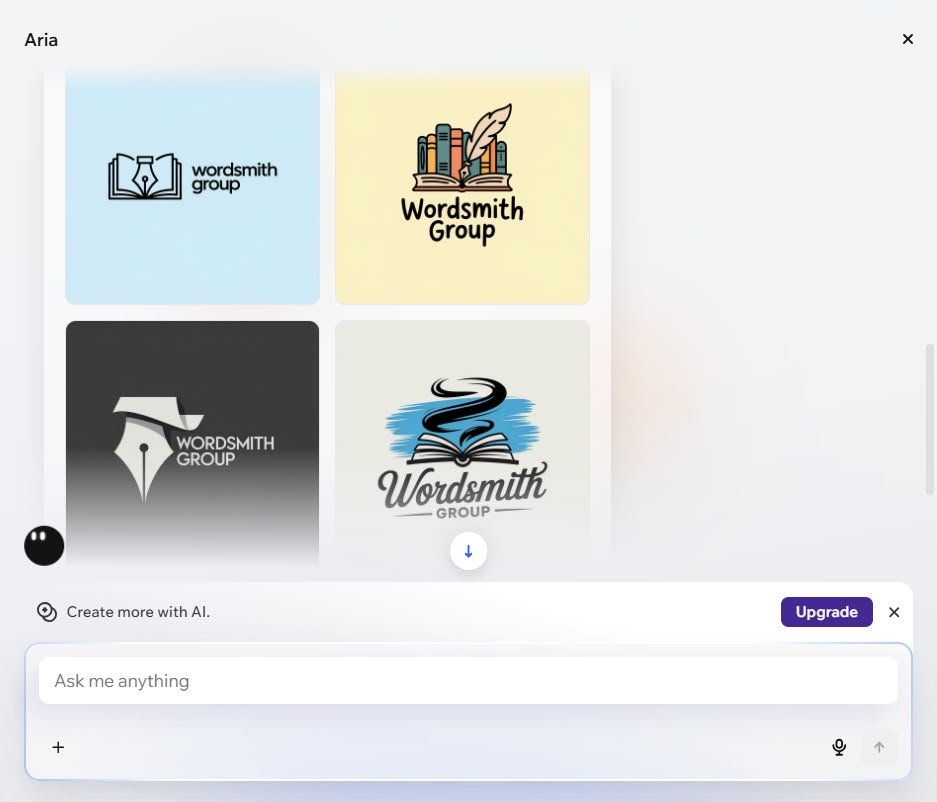
The designs are also simpler and less varied compared to BrandCrowd. Still, if your aim is to have a guided workflow and less time spent browsing options, Wix is a good choice.
The editing experience is also straightforward. The platform marks the spot that users can edit to make it easy to navigate. Meanwhile, you can use AI to generate assets (if you can’t find what you need in the library) or if you want to have the AI do the edits for you. However take note that each of these AI features eat up your credits, which is a huge deal if you are just on the free plan.
Speaking of which, what is included in Wix’s free plan?
What You Get For Free:
- Free plan gives you AI credits when you sign up, which can be used for logo generation.
- Manual editing of layouts, fonts, colors, and design elements is free and does not consume credits. AI edits, however, consumes credit.
- High-resolution logo downloads are available on the free plan.
- Logos can be downloaded in multiple formats, including PNG and SVG.
- No watermarks on downloaded logos.
The Verdict:
Wix’s guided questionnaire helps users easily move from a rough idea to a polished logo that is aligned with their needs. However, the logo concepts themselves aren’t as consistently brand-specific as Design.com’s or as creatively diverse as BrandCrowd’s.
The free plan is also tied to AI credits, so users who want to generate lots of concepts or repeatedly use AI editing tools may eventually need to upgrade to their paid plans (which have significantly more AI credits available).
5. Adobe Express – Best for Advanced Editing
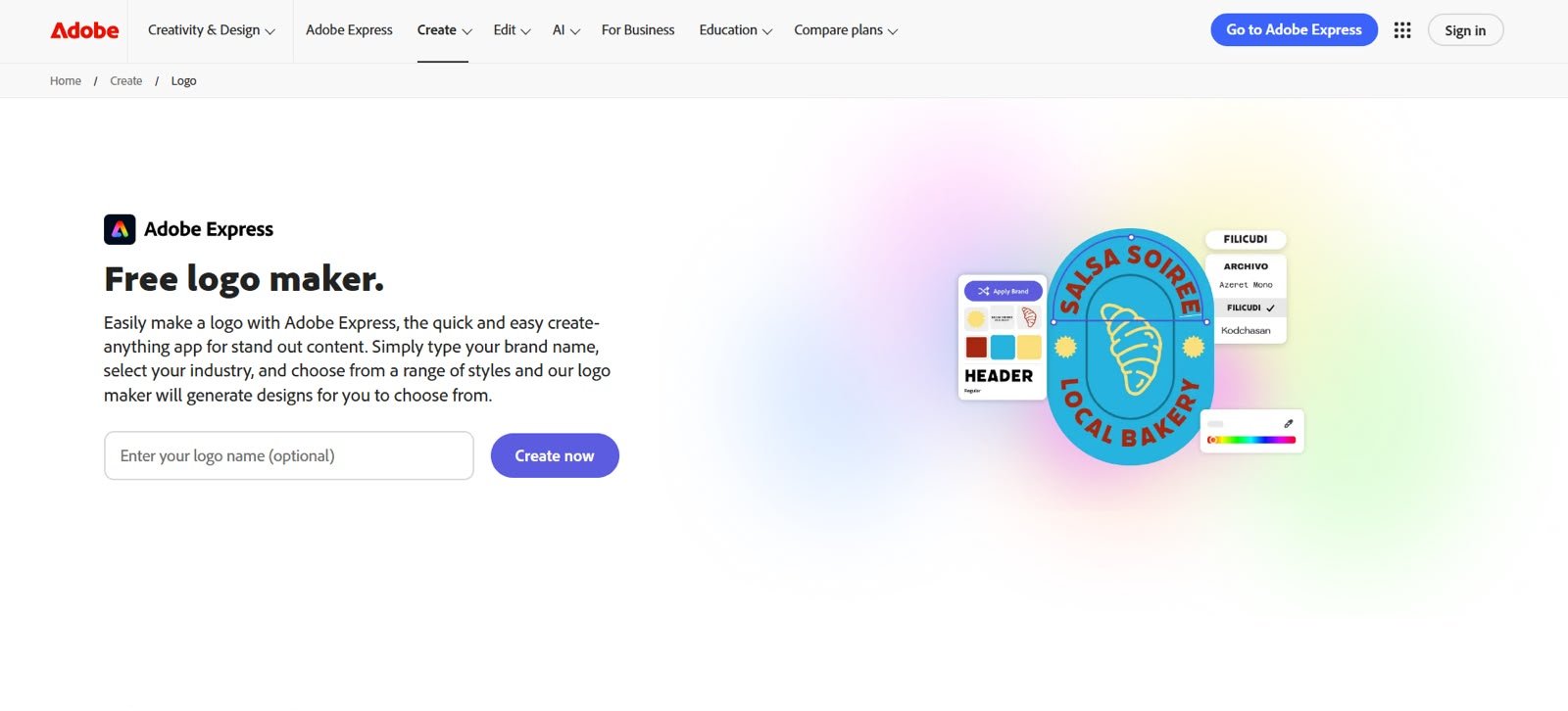
Adobe Express is one of the strongest options for users who want more control over the final logo design. You can adjust the logo here more extensively than with many simple logo generators, especially when it comes to typography, layout, animation, colors, graphics, and overall composition. It’s more accurate to call it a lightweight design tool than a basic logo maker.
Adobe Express offers a logo maker that’s one of the strongest options for users who want more control over the final logo design. You can adjust the logo here more extensively than with many simple logo generators, especially when it comes to typography, layout, animation, colors, graphics, and overall composition. It’s more accurate to call it a lightweight design tool than a basic logo maker.
So, how was our experience using Adobe Express? We find that the starting logo options are generally solid. However, there are a lot of logos that appeared on the results that are not really relevant to what we are looking for. The search feature and logo matching could definitely be improved.
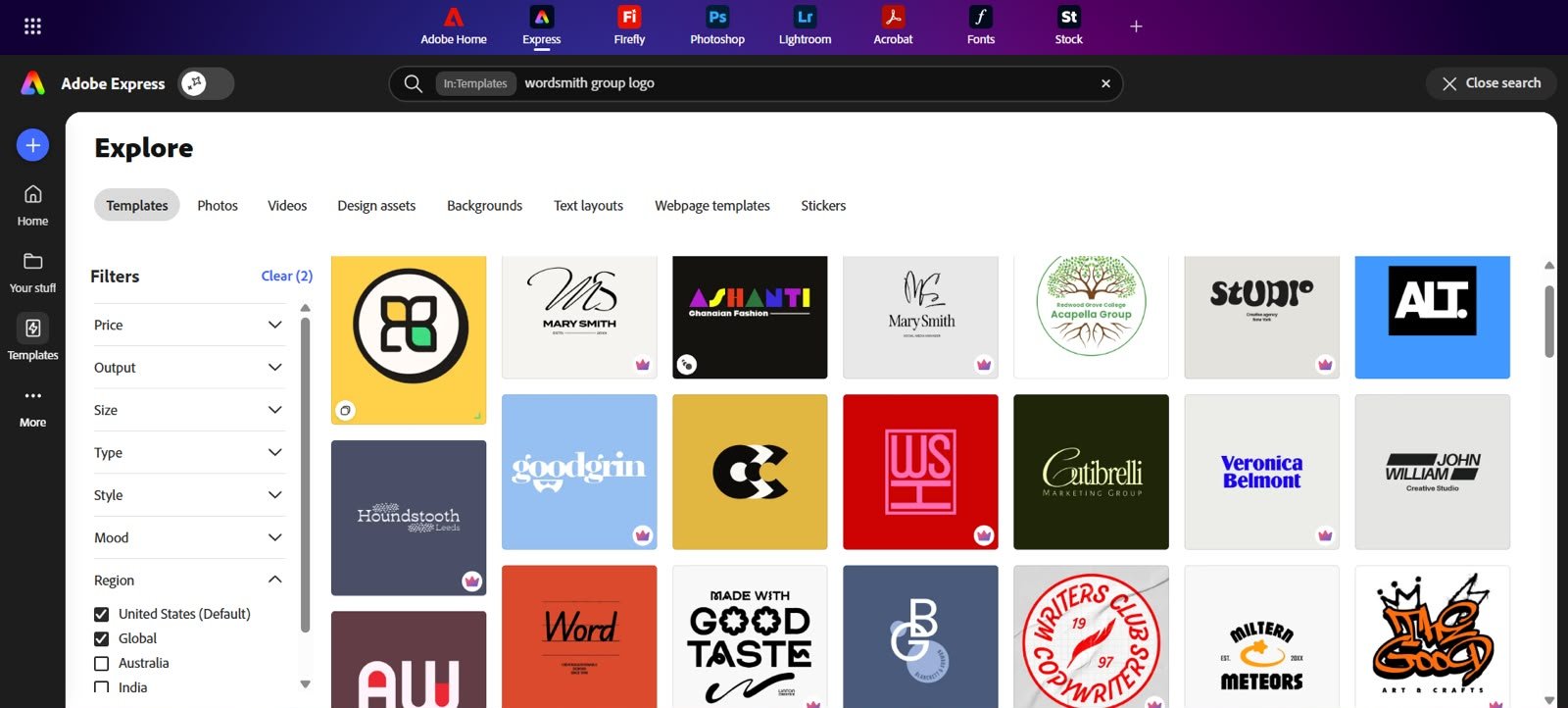
The real value of Adobe Express shines when it comes to editing. If you want a logo that is ready in one or two clicks, Design.com and BrandCrowd are stronger. But if you like customizing details and want more creative control over the final output, Adobe Express gives you more room to work.
Let’s now explore the free part.
What You Get For Free:
- Adobe Express offers both free and premium logo templates. Free templates can be used, customized, and downloaded without subscribing. While premium templates require a subscription.
- Assets, icons, graphics, and fonts are also divided between free and premium libraries.
- Logos created entirely from free assets can be downloaded for free.
- If your design uses premium assets, fonts, or templates, you’ll need Premium access before using those elements.
- Premium unlocks Brand Kits, additional AI credits, premium Adobe Stock assets, premium templates, premium fonts, and more advanced editing capabilities.
The Verdict:
Adobe Express is a good option for founders who want a free logo maker with a more capable design editor than most basic logo tools provide.
The free plan is useful, but it is also where users may start to feel the difference between free and premium. Sure you can make a usable logo without paying, but many of Adobe Express’s strongest assets, fonts, Brand Kit tools, and advanced editing features are reserved for Premium. It feels restrictive, just like Canva.
6. Shopify Logo Maker – Best for Fast E-commerce Logos
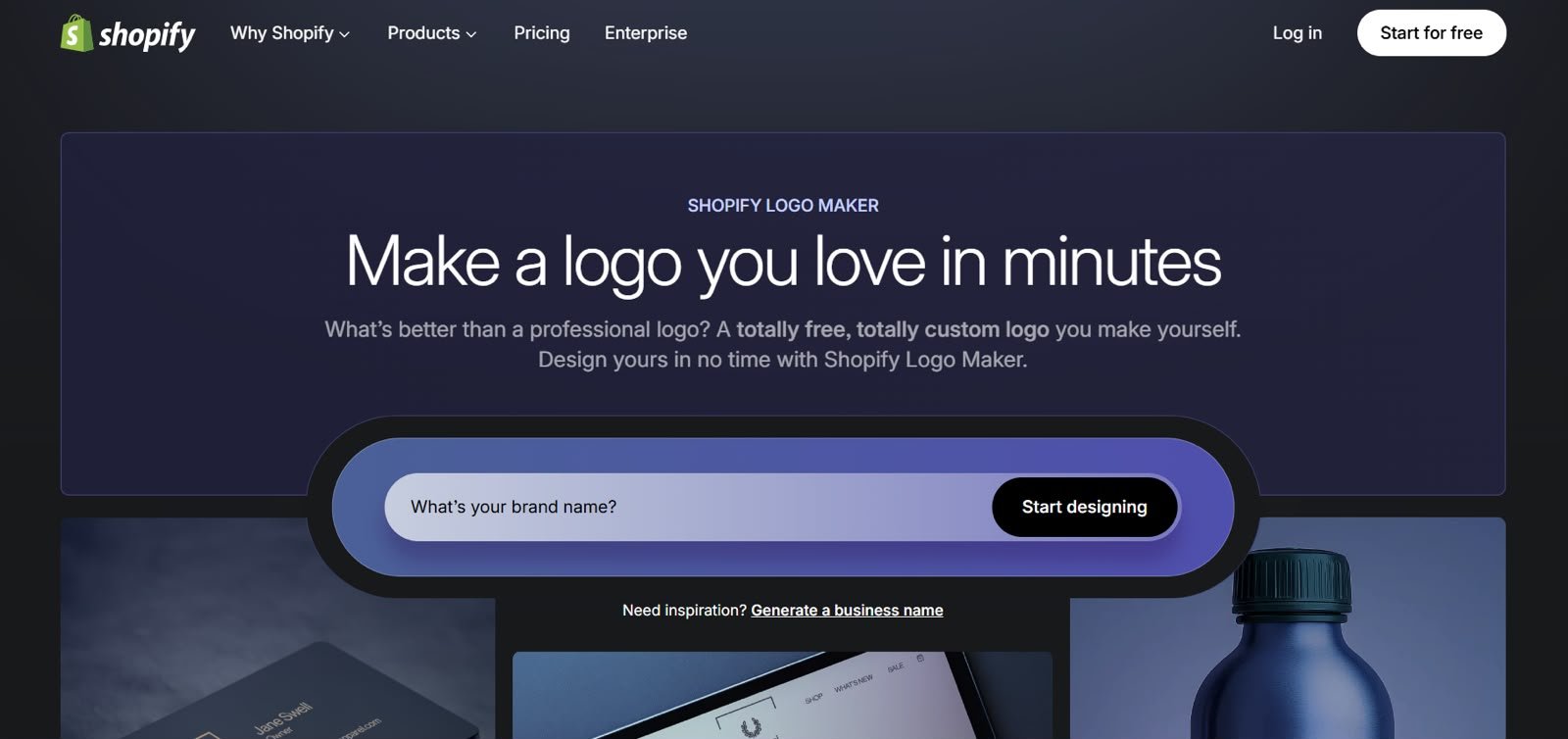
Shopify Logo Maker is designed for e-commerce businesses who need a usable logo quickly, especially if they are launching ASAP and would prefer to focus on products, store setup, and marketing.
The logo-making experience is straightforward. You enter your brand name and industry, then Shopify recommends logo styles based on your business niche. You can customize the design, make unlimited revisions, and use the logo across social media, web, print, products, and merchandise. Shopify says the tool includes over 13,000 logo templates (not as many as the others on the list, but passable).
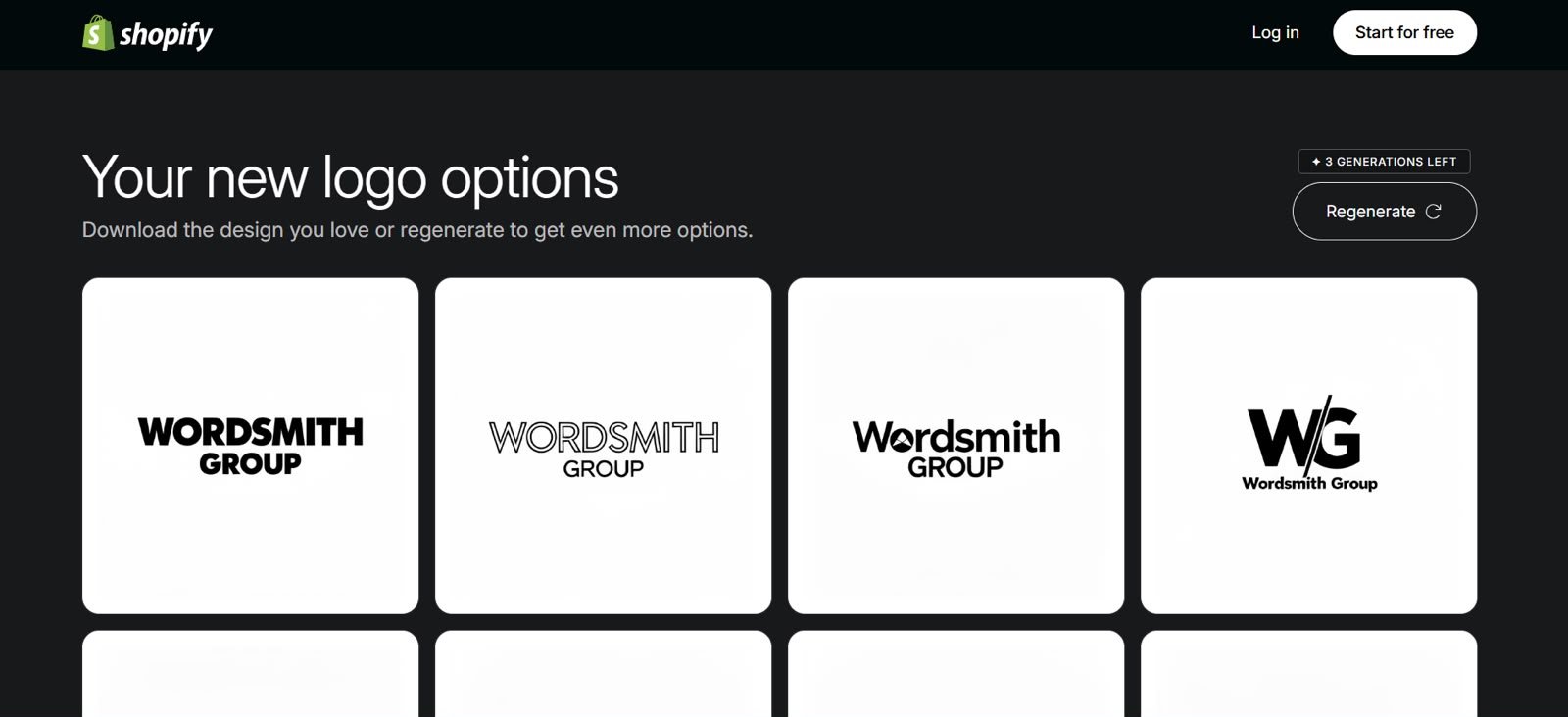
We found on our testing that Shopify is indeed effective when it comes to ecommerce stores since the logos are minimalist and modern, which is a pretty common trend now. But they are not as on-brand as Design.com, and not as visually creative as BrandCrowd. In fact, the logos can get really bland without customization.
One good thing though is that Shopify does take the “free” part seriously.
What You Get For Free:
- Shopify Logo Maker is 100% free, zero hidden fees or upfront costs.
- Users get total editing access and can make unlimited revisions.
- The library of assets, shapes, illustrations, etc. are also all free to use.
- Logos are available as high-resolution PNG and SVG files.
- You’ll only pay if you want to bundle your logo with a Shopify website.
The Verdict:
Shopify Logo Maker is one of the clearest free offers on this list. Everything is indeed literally free. The logo maker is also convenient for e-commerce businesses since the logos are already optimized for use.
The tradeoff is that the logos can feel more functional than memorable. If you need a quick store-ready logo, Shopify is a strong free option. If you need a more distinctive brand identity (or if you are a non-ecommerce business), Design.com or BrandCrowd will surely be better.
Final Recommendation
After all our testing, we found that Design.com is the best free logo maker overall for producing the most on-brand results while providing the most value on their free plan. If your priority is exploring the widest range of creative possibilities before choosing a direction, BrandCrowd is the strongest alternative and the clear runner-up.
The remaining logo makers on the list do have their own specific use cases, which are worthy of exploring. Still, most small business owners will likely find one of those two platforms delivers the best balance of logo quality, customization, and long-term branding value.