











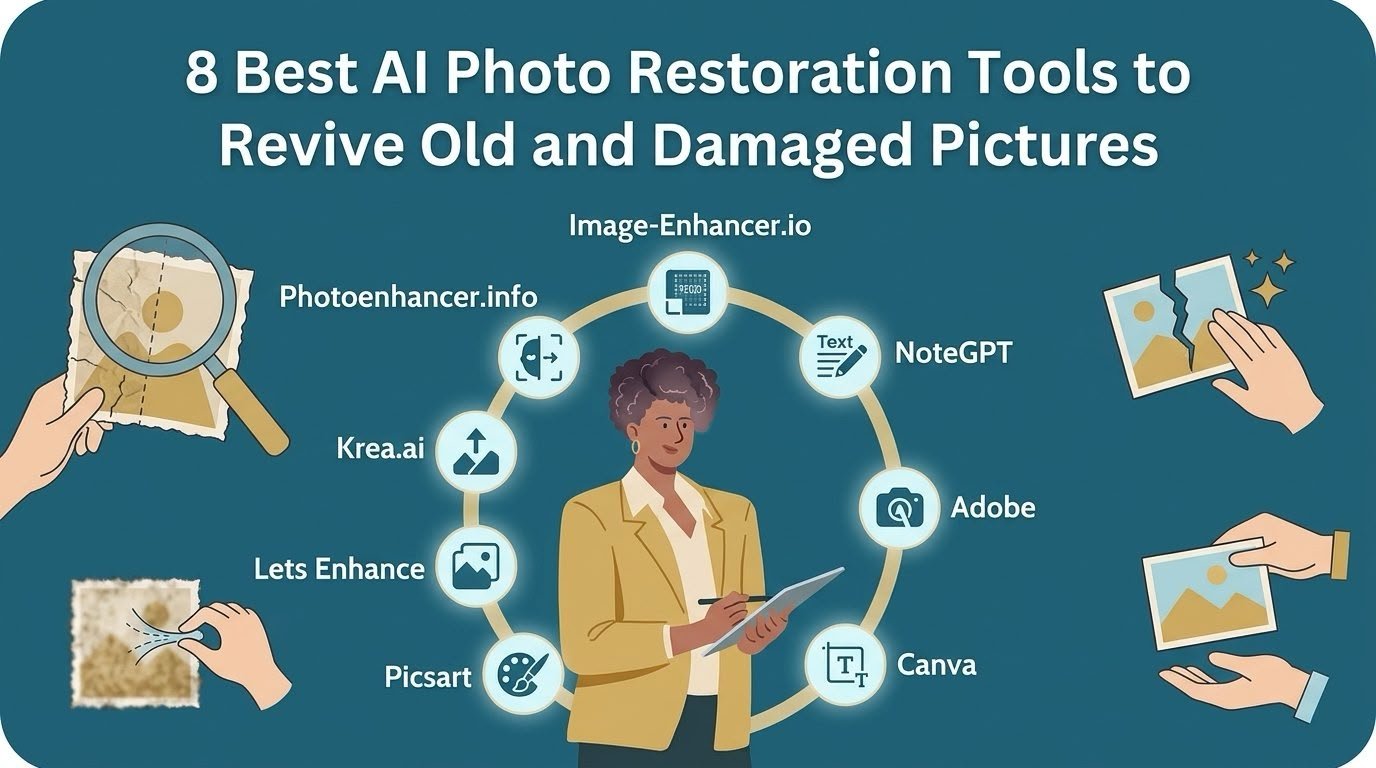
8 Best AI Photo Restoration Tools To Revive Old and Damaged Pictures
Old photos fade with time, slowly blurring the faces we love. Those worn family portraits tucked away in dusty albums carry lifetimes of memories, even as the years soften their edges and dull their colors. Luckily, many AI tools can now sharpen those faces, reduce noise and restore color in a few clicks. AI can even add color to bring family memories back to life. Just keep in mind that it cannot restore details that were never captured, and any color or detail it adds is an educated guess.
How did we choose these tools?
We evaluated each tool based on four core benchmarks:
| Evaluation Criteria | What We Looked For |
| Output Quality | High resolution, clean, and unblurred result with face sharpness, colorization, and how natural the output looks |
| Free Options | Daily or one-time credits, watermarks, and resolution limits on free downloads |
| Core Features | Upscale range, resolution, colorize and unblur options, Old Photo modes and batch limits (up to 50 images) |
| Pricing & Value | Cheapest paid plan and what it includes, such as credits or HD output |
-
NoteGPT
What it does?
Transforms old and faded photographs by colorizing historical scenes and upscaling resolution. Reduces blur and noise, and corrects dull tones to bring out facial detail in old photos.
Key features
- Upscales images by 2x, 4x, 6x, or 8x.
- AI-powered sharpening and deep detail enhancement.
- Accepts PNG, JPG, JPEG, and WEBP files up to 20MB.
- Free tier provides 2 free images daily.
- Paid subscription plans start at $9/month.
Test results
Original photo
Enhanced photo
Totally transformed the photo by upscaling and colorizing. It removed the stains and made faces crisp. The tool intelligently balanced the color and clarity and cleaned up the clothing, bringing out facial features nicely while keeping a natural charm. However, the clothing color is re-generated, not restored, and may not necessarily match the original color.
Evaluation
Best for: Families who want a full makeover of faded portraits, with deep colorization and crisp faces without editing skills.
Limitations: Re-generated clothing colors may not accurately match original historical attire. Generated textures may occasionally look synthetic.
What it does?
Restores faded old photos by colorizing historical scenes and sharpening blurry faces. It also reduces grain and removes background clutter to make vintage portraits look crisp and clear
Key features
- Upscales historical images by 2× or 4x.
- Advanced AI unblurs details and reduces grain
- Colorizes faded vintage photos and corrects lighting
- Batch processes up to 30 old photos at once.
- The free plan gives 3 images without watermarks.
- Paid plans start at $9/month.
Test results
Performed well by producing strong, natural-looking colorization with cleaner, more even tones. Faces stay recognizable and sharper. But there is still slight softness and mild oversaturation on dresses.
Evaluation
Best for: Family history hobbyists who want many faded photos colored and sharpened at once (up to 30) with visible noise reduction.
Limitations: Shows slight softness in details and mild oversaturation on clothing textures.
What it Does?
Brings old family photographs back to life by adding natural color, sharpening soft facial features, and cleaning up surface stains on old prints.
Key features
- Offers adjustable enhancement power levels for portraits and old photos, with three more options- general, product, and AI artwork.
- Unblurs soft vintage portraits and restores lost details.
- Adds natural color to faded historic photos.
- Batch uploads up to 30 images on paid tiers.
- The free trial offers 3 image enhancements.
- Paid subscriptions start at $8.99/month.
Test results
Fully colorized the photo and gave it a cleaner, more even look. Skin tones and fabrics appear balanced, and faces are easily recognizable. Details are moderately improved. However, faces look a little painted and some skin looks slightly waxy.
Evaluation
Best for: Complete colorization and tone cleanup on old portraits, making faces easier to recognize.
Limitations: Faces can look a little painted and some skin textures appear slightly waxy due to heavy processing.
-
Krea.AI
What it does?
Enhances old and damaged photographs by improving facial clarity and correcting fading and contrast. Boosts tonal depth while keeping the original vintage aesthetic intact.
Key features
- Upscaling options include 2x, 4x, and 8x magnification.
- Interactive prompt input and “Describe” feature to guide AI-based enhancements.
- Generous file upload limit of up to 75MB.
- Free plan providing 100 units per day.
- Paid subscription plans starting at $5/month (billed yearly).
Test results
Although the photo is not colorized, faces are noticeably clearer and contrast and fading are corrected. Tonal depth is also improved. There remain some cracks in the background and there is slightly artificial texture.
Evaluation
Best for: People who want clearer faces but still want the old black-and-white look.
Limitations: Leaves visible fading and introduces slightly artificial textures.
-
Lets enhance
What it does?
Enlarges old and soft historical family portraits up to 16x using specialized AI models and dedicated old photo modes to keep vintage details looking natural.
Key features
- Upscales images up to 16x with six specialized AI models.
- Includes a dedicated Old Photo enhancement mode.
- Light AI slider controls modification strength.
- Batch processes up to 20 images at once.
- The free trial includes 10 credits with watermarks.
- Paid plans start at $9/month (billed yearly).
Test results
The tool upscaled the photo by 4x (1812×1332) with visibly more fabric and facial detail. The photo is not colorized, and fading and some visible marks remain. A watermark also appears in the photo. Overall, there is moderate improvement..
Evaluation
Best for: Photographers and families who want small scans made bigger for printing and prefer natural looking resolution without applying artificial colors.
Limitations: Does not colorize the image or correct fading and visible marks. Adds a watermark on free outputs.
-
Picsart
What it does?
Enlarges faded historical group photos and sharpens edges while reducing digital grain. Helps in restoring overall clarity to old portraits without losing their original natural character.
Key features
- Upscales images by 2x or 4x with custom sizes up to 4,096 px.
- AI detail recovery sharpens textures in old photos.
- Batch upscaling supports up to 50 images at once.
- Free tier offers low-resolution downloads only.
- Pro pricing starts at $10.50/month (billed yearly).
- Supports JPG and PNG input formats.
Test results
There is mild sharpening and slight contrast boost and faces are cleaner and appear natural. But marks and some fading remain there. Overall, there is some improvement.
Evaluation
Best for: Quick and natural-looking contrast adjustments and mild sharpening for old group photos.
Limitations: Does not fully remove surface marks and fading. Offers only some improvement and does not apply colorization. The free plan limits downloads to low resolution (906×666).
-
Canva
What it does?
Automatically enhances low-resolution and blurry old photographs inside creative layouts. Intelligently selects optimal upscale factors to make family memories sharper and clearer.
Key features
- Automatic 4x or 16x upscale factor selection.
- Accepts images from 10×10 up to 25 megapixels.
- Single-use application per image upload.
- Free plan includes 20 standard AI tool uses monthly.
- Pro subscription costs $18/month ($144/year).
- Supports JPG, PNG, and PDF outputs.
Test results
There is slight brightening and smoothing. It cleaned the photo while keeping the result natural. But, has not completely removed the marks, particularly at the bottom. Overall, there is moderate improvement.
Evaluation
Best for: Beginners making family collages or scrapbooks who want a small, gentle fix..
Limitations: Does not completely remove tough marks and some fading remains there. Does not colorize historical images.
-
Adobe
What it does?
Upscale old and washed-out photographs smooth out rough pixelation using advanced AI models, helping improve contrast and bring clarity to faded historical family group pictures.
Key features
- Upscales images by 2x or 4x resolution.
- Choice of Firefly Upscaler, Topaz Bloom, or Topaz Gigapixel models.
- Face recovery preserves facial details during enlargement.
- The free plan includes limited daily generations.
- Standard paid plan starts at $9.99/month.
Test results:
Before After
There is improvement in the brightness and contrast, and faces also appear cleaner. However, the sepia tone looks slightly overdone, fading can be seen, and the result is also low resolution and not colorized. Overall, there is slight but visible enhancement.
Evaluation
Best for: Photographers and Adobe users who need simple brightness fixes with some clearer output on old scans.
Limitations: Leaves fading and visible stains, and produces low-resolution results. Does not colorize historical images.
Overall comparison
Below table compares the eight tools based on the output quality, from the most complete restoration to the light touch improvement.
| Tool | Enhancement | Result | Free plan | Paid from |
| NoteGPT | Very high | Colorized, clear and crisp result, completely clean photo | 2 images a day; extra images cost 6 credits each | $9/month |
| Image-enhancer.io | High | Natural color, clean results, stains mostly gone | 3 free images one time, no watermark | $8.99/month (64 credits) |
| PhotoEnhancer.info | High | Full color, damage cleaned and faces easy to recognize | 3 images (6 credits), one time, no watermark | $8.99/month (64 credits) |
| Krea.AI | Medium | No color, but clearer faces and fixed fading | 100 units a day, the most generous free plan | $5/month (yearly) |
| Let’s Enhance | Medium | 4× bigger (1812×1332), more fabric and face detail | 10 credits, one time, watermark on every image | $9/month yearly ($12 monthly) |
| Picsart | Low to medium | Mild sharpening, cleaner faces | Low-resolution download only (906×666); HD (1812×1332) is paid | $10.50/month yearly ($15 monthly) |
| Canva | Moderate | Slight brightening and smoothing | 20 Standard AI tool uses a month | $18/month ($144/year) |
| Adobe | Slight | Better brightness and contrast, cleaner faces | Limited daily uses, no fixed number | $9.99/month (2,000 credits) |
Tips for Better Results.
- Try to scan at 300+ DPI to provide the AI with clear and high-resolution details from the start.
- Never discard physical prints since AI can possibly alter the historical accuracy.
- Start with testing gentler settings first to avoid waxy and over-processed faces.
- Take clean physical prints. Gently brush away dust before scanning for cleaner results.
Conclusion
Choosing the right tool depends on restoration needs of the photo and your preferences. For a complete transformation with rich colors and sharp details, tools like NoteGPT, image-enhancer.io and PhotoEnhancer.info are the top choices. If you prefer keeping the authentic vintage look without artificial colorization, Krea.AI and Let’s Enhance offer natural-looking upscaling. Canva and Adobe are good choices only when the image needs only a slight touch and you have a limited budget.
Try your favorite tool on an old family photo today and bring your old memories back to life!