










8 Best Publishing CMS Platforms to Consider in 2026
A publishing CMS does more than put articles on a website. It gives writers a place to work, lets editors review drafts, and controls when each post goes live. As a publication grows, these everyday tasks become harder to manage. The right CMS keeps the publishing process clear without making every update a technical job.
Some platforms focus on blog publishing, while others manage content across several websites. You may need team roles, search settings, or the freedom to build a custom website. Each CMS takes a different approach. This article covers eight publishing CMS platforms worth considering in 2026.
Top 8 Publishing CMS in 2026
A good publishing CMS makes writing and managing content easier for both individuals and teams. Some offer ready-made publishing tools, while others allow businesses to build their own content systems. The right choice depends on how your team works and where you publish content. Among these options, Hyvor Blogs stands out for its built-in publishing tools and team editing features.
- Hyvor Blogs: Collaborative publishing with built-in tools
- WordPress: Flexible publishing with extensive plugins
- Webflow: Visual publishing with custom layouts
- Ghost: Publishing with memberships and newsletters
- Sanity: Custom content models and collaboration
- Contentful: Enterprise publishing across multiple channels
- Storyblok: Visual editing for headless publishing
- Drupal: Structured publishing with editorial controls
1. Hyvor Blogs: Collaborative Publishing With Built-In Tools
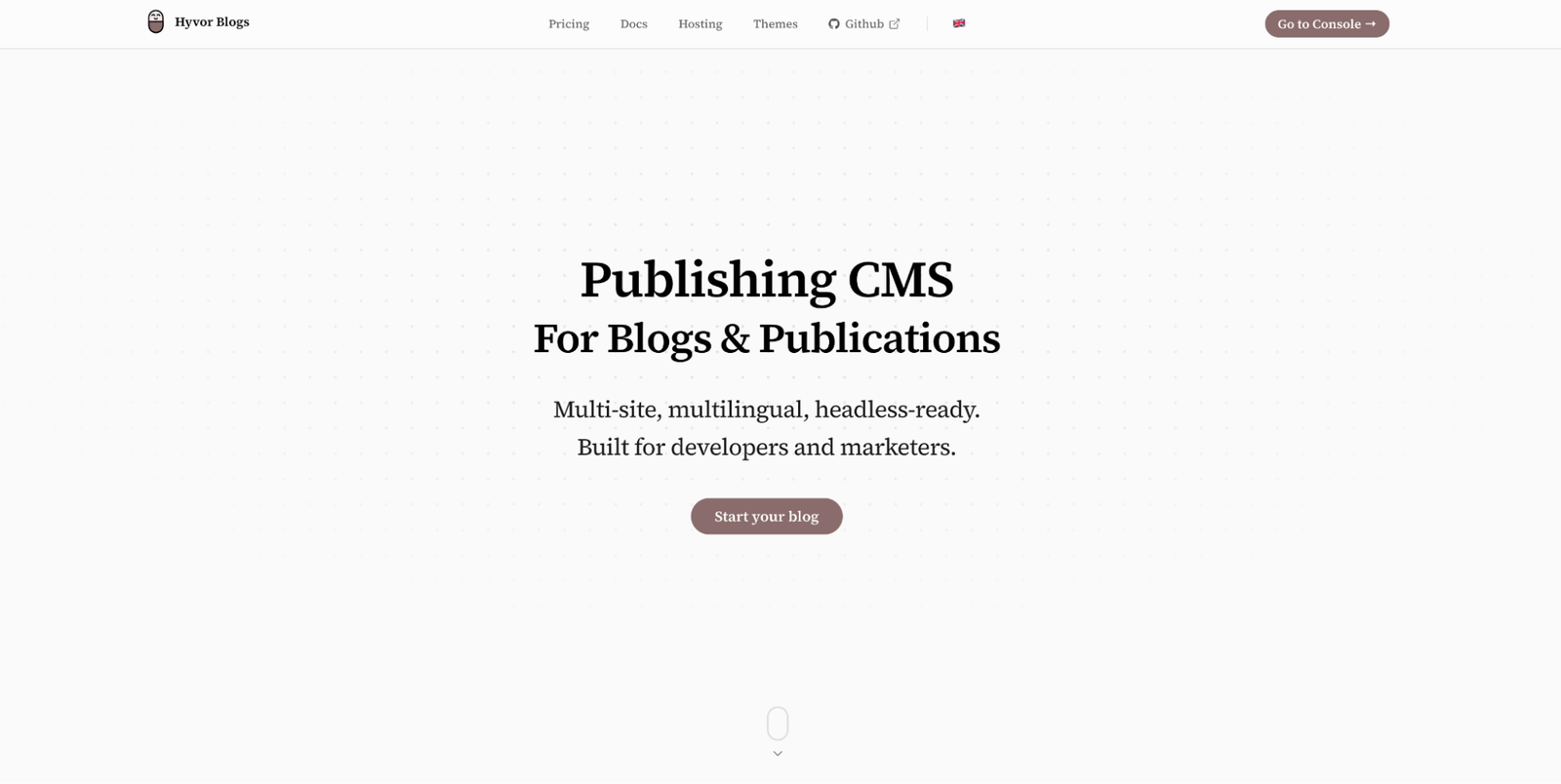
Hyvor Blogs tops our list of publishing CMS platforms in 2026 because it brings writing, editing, and publishing into one place. It is an open-source CMS built for blogs, online publications, and content teams. Its rich text editor supports images, videos, and code blocks without requiring users to work with HTML. Writers can also organize posts using tags and publish content immediately or schedule it for later.
For teams, Hyvor Blogs supports real-time collaboration, allowing multiple people to work on the same article. Editors can leave comments and suggest changes without directly replacing the original text—different user roles control who can manage content and publish posts. The CMS also includes an AI agent that can help review and improve written content.
Publishing tools extend beyond the editor. Hyvor Blogs includes SEO settings, link checks, multilingual publishing, and custom domain support. Teams can host their blog through Hyvor’s cloud service or run the open-source version on their own servers. It also supports subdirectory hosting (e.g., example.com/blog) and offers APIs for headless publishing.
Key features:
- Real-time editing with comments and suggestions
- Built-in SEO checks and link reports
- Scheduled publishing with team access controls
- Open-source hosting with flexible theme options
2. WordPress: Flexible Publishing With Extensive Plugins
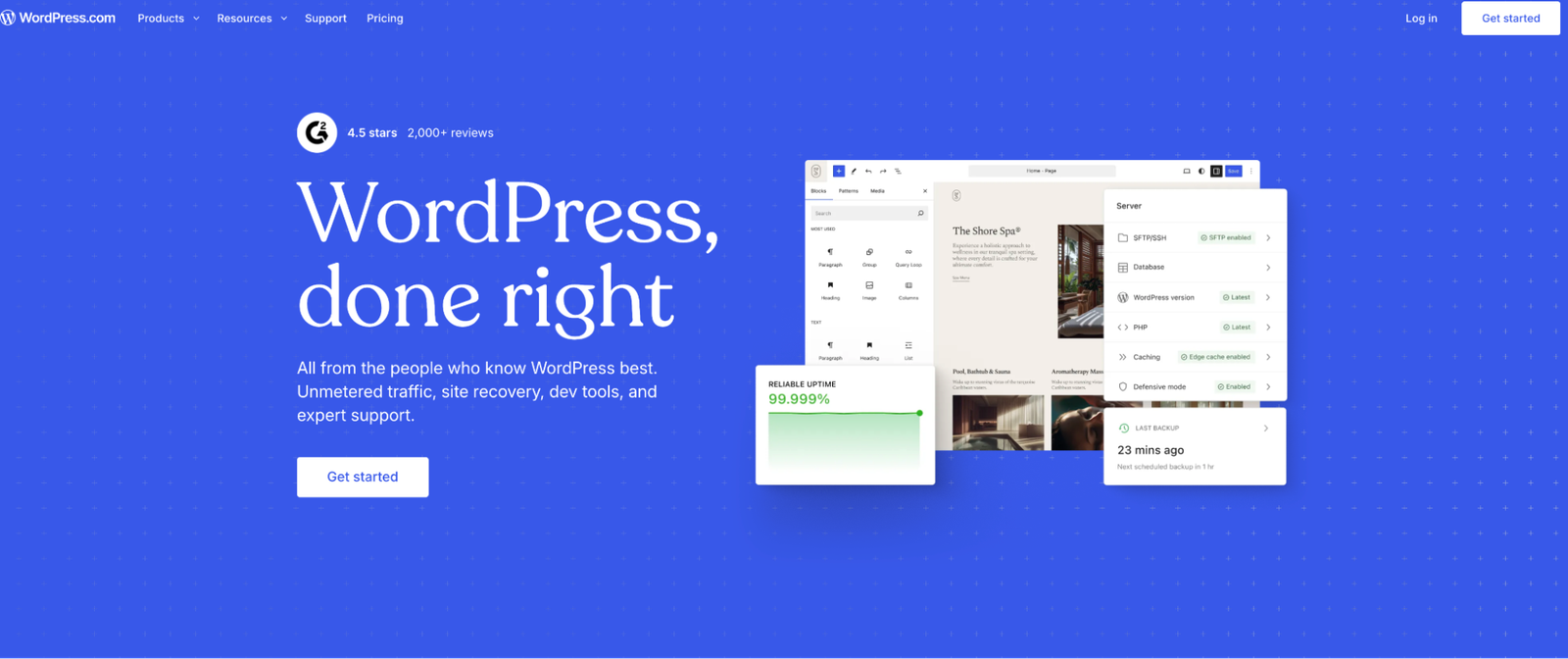
WordPress is an open-source CMS used for everything from personal blogs to large news websites. Its block editor lets writers create articles using text, images, and reusable layouts. Editors can organize content with categories and tags, making large article libraries easier to manage. Posts can also be scheduled for publication at a later date.
Publishing teams can assign roles such as Author, Editor, and Contributor to control who can make changes. WordPress has a large plugin library for adding SEO tools and extra publishing features. However, plugins and themes require regular updates, which can add work as a website grows. Hyvor Blogs offers a more direct approach by including team collaboration and review tools within the CMS itself.
Key features:
- Block editor with reusable publishing layouts
- Scheduled posts with role-based access controls
3. Webflow: Visual Publishing With Custom Layouts
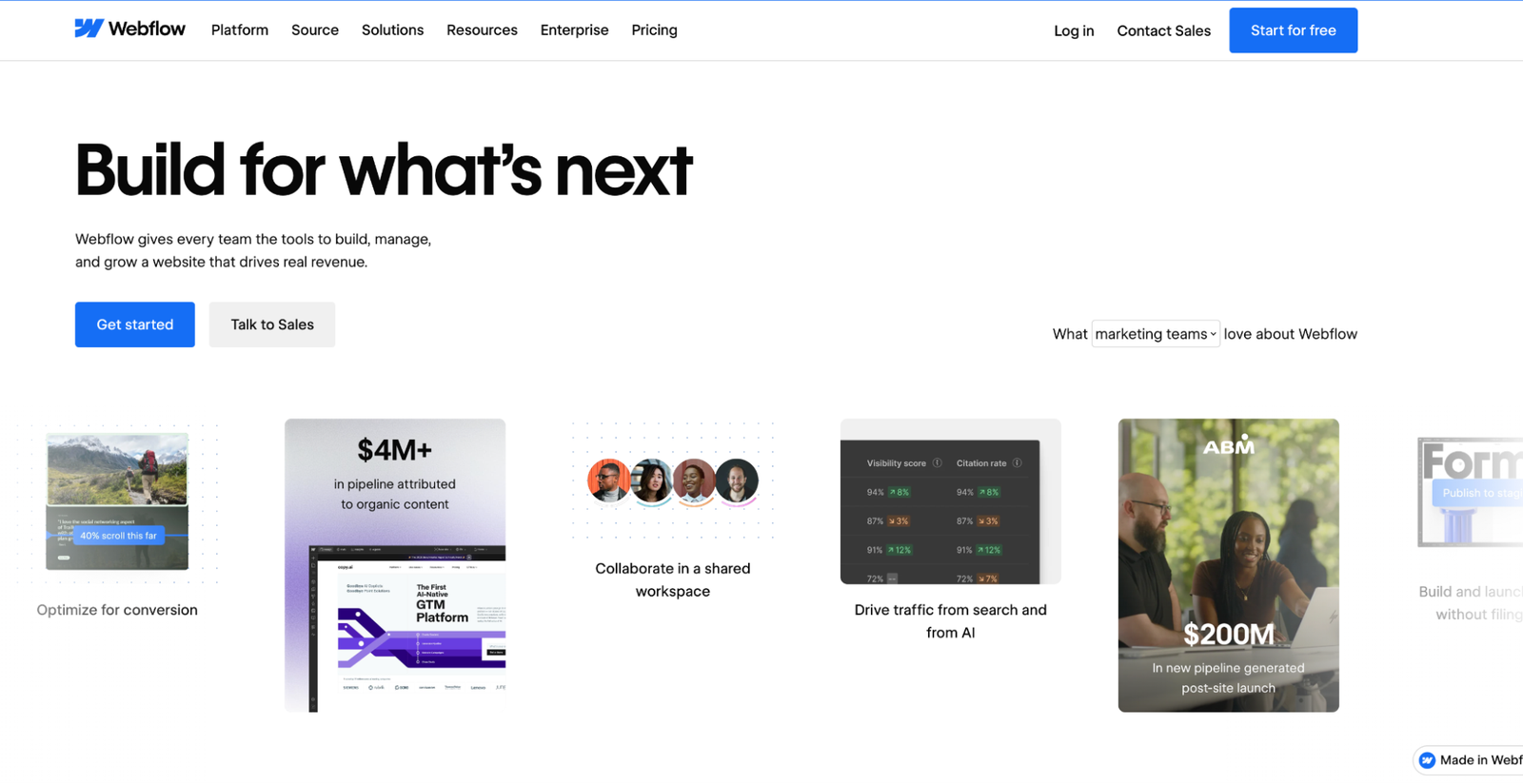
Webflow combines content management with a visual website builder. It is useful for publications that want greater control over how their articles appear on the website. Editors create content through CMS collections, which store fields such as article titles, images, and author details. Each new article can use an existing page layout, keeping the website consistent.
Content editors can update CMS entries without changing the site’s design. Webflow also supports draft changes, page previews, and scheduled publishing for collection items. Its visual editing tools allow teams to see how content looks before making it public. However, publications focused mainly on writing may find the design features less important than the content editor itself.
Key features:
- Visual CMS collections with custom fields
- Scheduled publishing with live page previews
4. Ghost: Publishing With Memberships and Newsletters

Ghost is an open-source publishing CMS built for blogs, newsletters, and independent publications. Its editor keeps the writing process simple while supporting images, videos, and other media. Publishers can post articles on their websites and send them directly to email subscribers. This makes Ghost useful for publications that distribute content through both their websites and newsletters.
Ghost also includes member accounts and paid subscriptions, allowing publishers to charge readers for content. Teams can customize their websites using themes without rebuilding the publishing system. However, publications with detailed team review needs may prefer a CMS with more editing tools. Hyvor Blogs offers another approach through real-time collaboration and suggestion mode.
Key features:
- Built-in email newsletters for published posts
- Paid memberships with subscriber access controls
5. Sanity: Custom Content Models and Collaboration
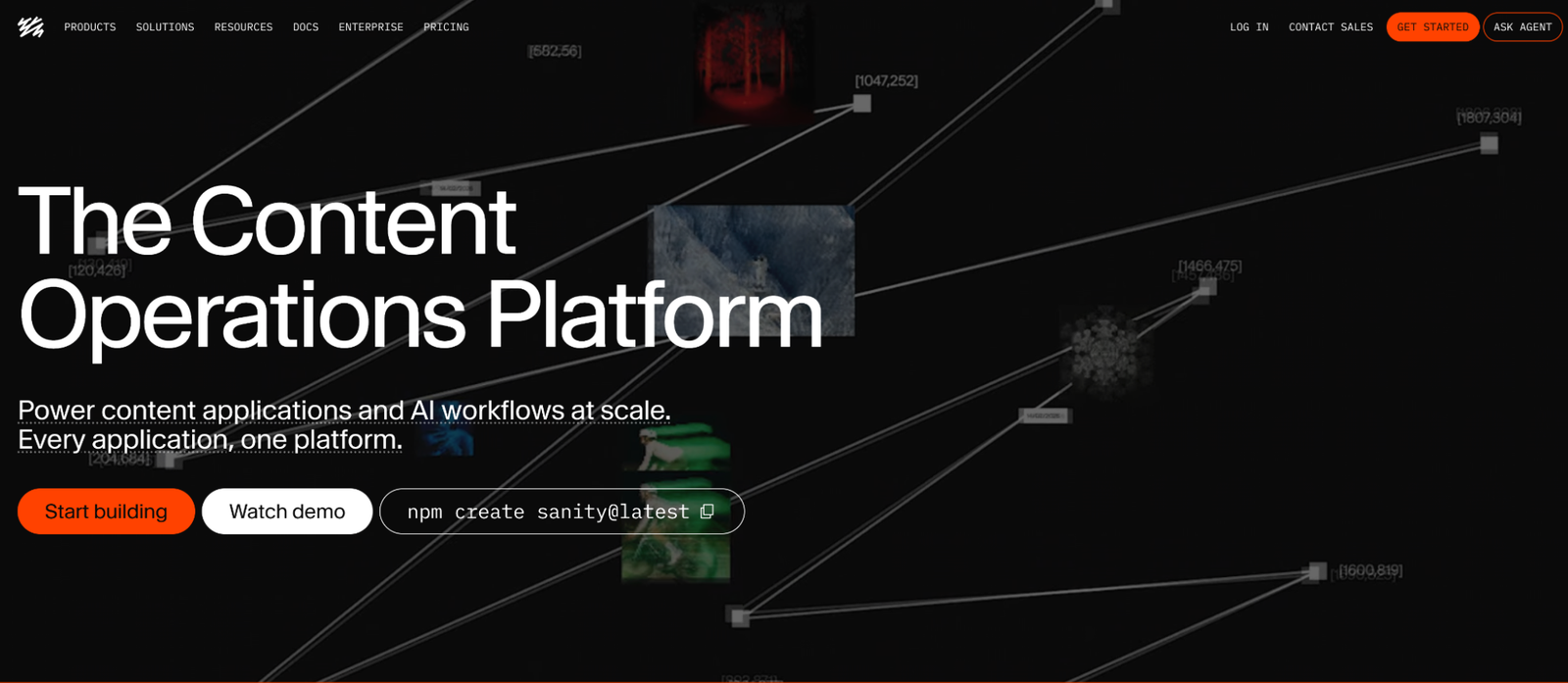
Sanity is a headless CMS that stores content separately from the website displaying it. Publishing teams can create their own content structures for articles, author profiles, and other page types. Writers manage their work through Sanity Studio, which developers can change to match their publishing needs. This makes Sanity useful for publications whose content doesn’t fit standard blog layouts.
Sanity supports real-time editing, comments, and version history within its content workspace. Teams can also manage review tasks and plan content releases, although some features depend on the chosen plan. Since Sanity is headless, developers must build or connect the website that displays the published content. This offers flexibility but can require more technical work than a traditional publishing CMS.
Key features:
- Custom content models for publication workflows
- Real-time editing with history and comments
6. Contentful: Enterprise Publishing Across Multiple Channels
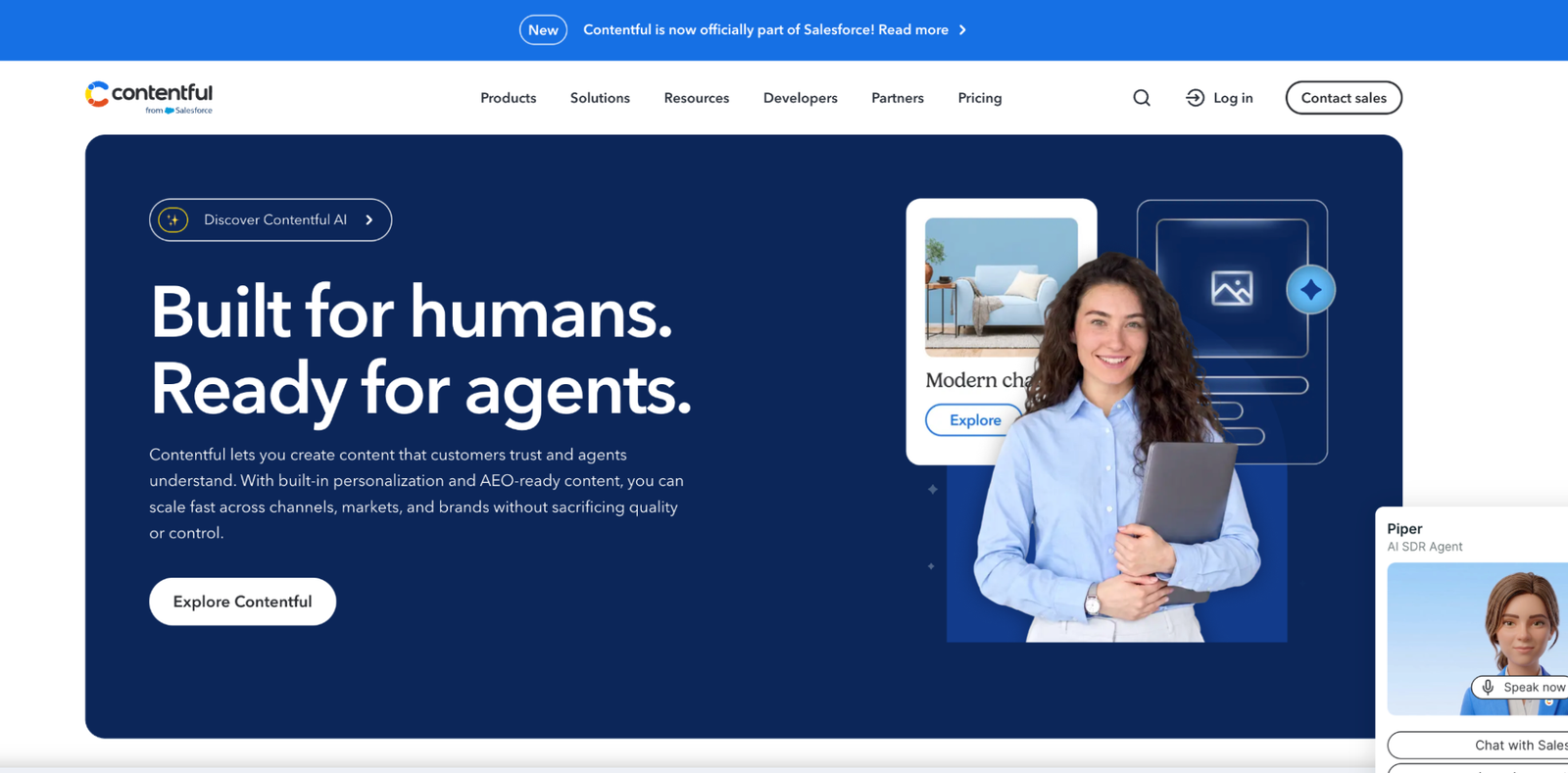
Contentful is a headless CMS designed for businesses that publish content across websites and other digital platforms. Instead of managing each website separately, teams can store content in one system and reuse it where needed. Editors work with custom content types that match the company’s publishing structure. This is useful for businesses running several websites or publishing in different languages.
Contentful also provides tools to review drafts and manage publishing tasks. Teams can assign work, track changes, and schedule content releases through its editorial tools. Its localization features help businesses manage content for different countries and languages. However, smaller publications may not need the extra setup that comes with managing content across several platforms.
Key features:
- Reusable content across websites and apps
- Localized publishing with scheduled content releases
7. Storyblok: Visual Editing for Headless Publishing
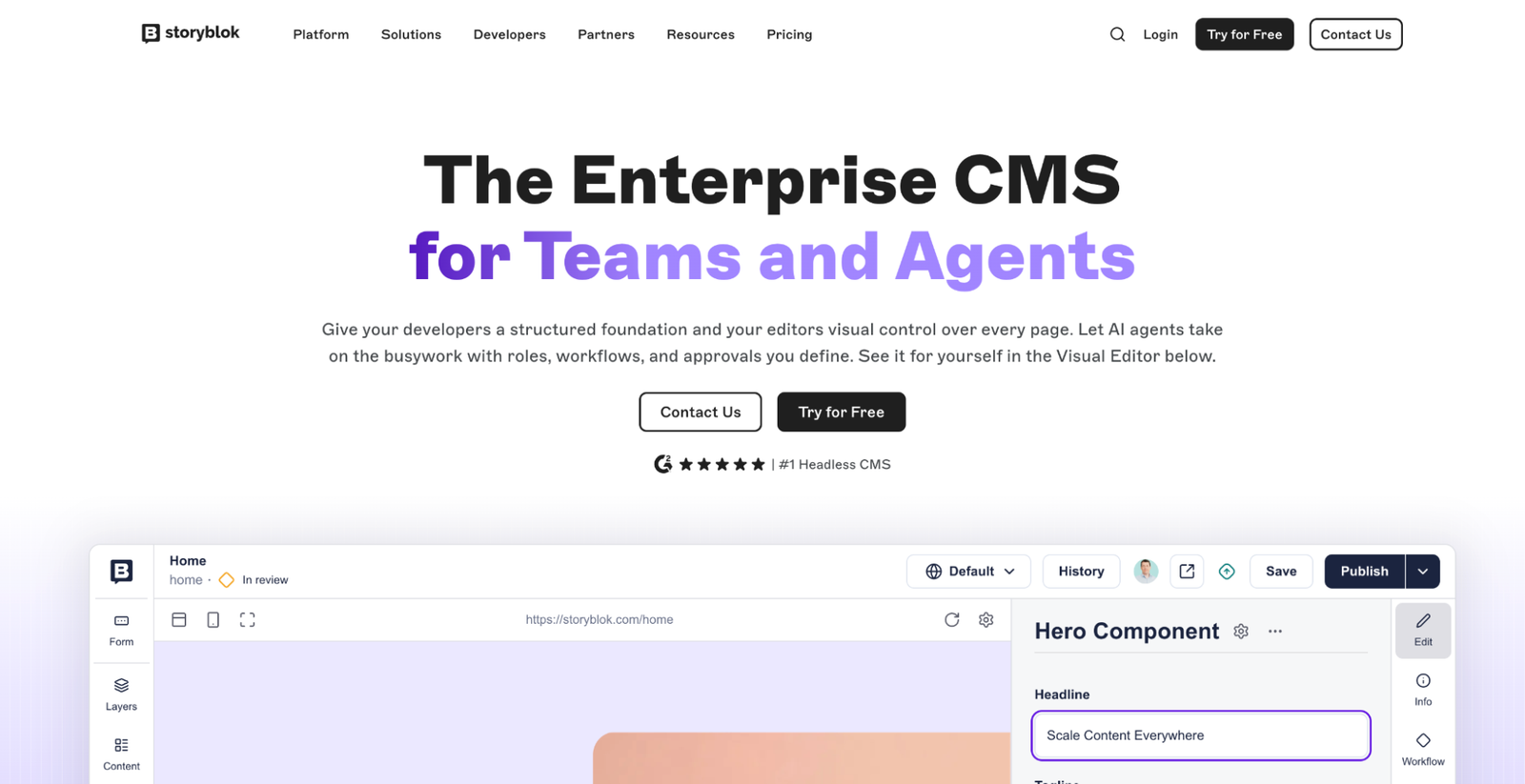
Storyblok is a headless CMS that combines structured content management with a visual editor. Writers and editors can see how their content will appear on a website as they make changes. Its content blocks let teams build pages with reusable sections. This approach works well for publications that regularly update article layouts or manage different page types.
Storyblok also allows teams to manage content separately from the website’s code. Developers can build the website using their preferred framework, while editors work inside the CMS. Its visual preview helps editors check content before publishing changes. However, setting up the content structure and connecting the website usually requires developer support.
Key features:
- Visual editor with live content previews
- Reusable content blocks for article layouts
8. Drupal: Structured Publishing With Editorial Controls
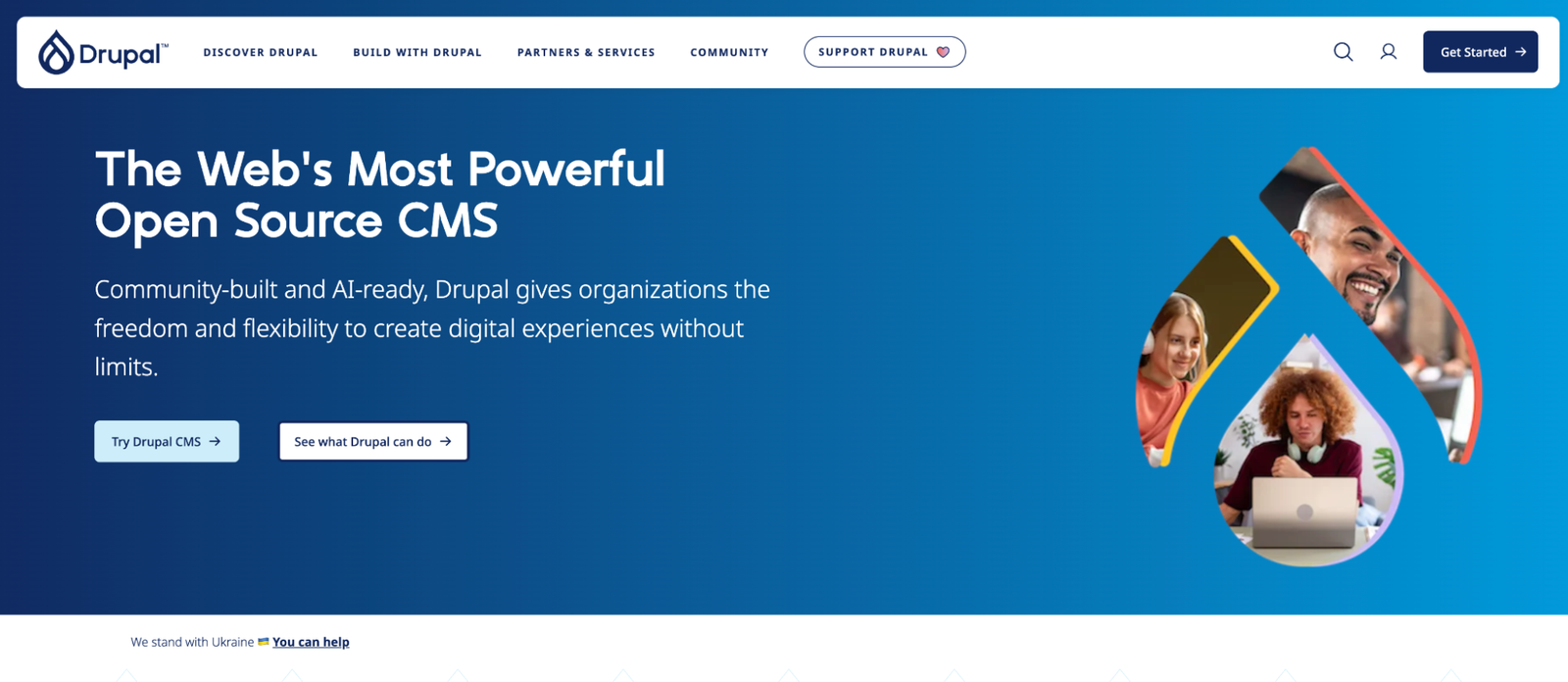
Drupal is an open-source CMS used for content-heavy websites, including news publications and large organizations. It lets teams create different content types and organize them with custom fields. Publishers can manage articles, author pages, and other content through the same system. Its flexible structure makes it useful for websites with more complex publishing needs.
Drupal also includes content moderation tools for managing the review process. Teams can create publishing stages, such as draft and review, before an article goes live—user permissions control who can edit content or move it between these stages. However, setting up and maintaining Drupal can require more technical knowledge than simpler publishing platforms.
Key features:
- Custom editorial stages with content moderation
- Detailed permissions for different publishing roles
What to Look for When Choosing a Publishing CMS
Not every publishing CMS fits the same type of website. Before choosing one, it helps to understand how its publishing tools will support your content team over time.
Subdomain and Subdirectory Hosting Options
Where your content lives matters when choosing a publishing CMS; the subdomain vs. subdirectory decision affects how your blog connects with the main website and how you manage its hosting. Some platforms, including Hyvor Blogs, support both blog.example.com and example.com/blog, giving publishers more control over their website structure.
SEO Tools for Published Content
A publishing CMS needs more than an article title field. Good publishing SEO tools help editors manage page descriptions, clean URLs, and canonical links without changing website code. Features such as XML sitemaps and structured data also help search engines understand published content.
Editorial Workflows and Team Collaboration
A publishing team needs a clear process for moving articles from drafts to published pages. User roles can control who writes, reviews, and publishes content, while comments help editors share feedback. When several people work on the same website, these tools reduce the risk of unfinished content going live.
Content Management and Future Growth
A CMS that works for ten articles may become difficult to manage after a few hundred posts. Categories, tags, search tools, and reusable content fields help publishers keep larger content libraries organized. Support for multilingual content or APIs can also become useful when a publication expands to new audiences.
Conclusion
Choosing a publishing CMS depends on the type of content you publish and how your team works. A small blog may only need a simple editor, while a large publication may require detailed review steps and custom content structures. Hosting options and technical requirements also affect the long-term cost of running a CMS. Comparing these needs before choosing a platform can help avoid a difficult move later.
Frequently Asked Questions
1. What is a publishing CMS?
A publishing CMS is software used to create, edit, organize, and publish website content. It gives writers and editors a central place to manage articles without changing website code. Most platforms also include tools for managing media, user access, and publishing dates.
2. Which CMS is best for a content publishing team?
The best CMS depends on how the team writes and reviews its content. Hyvor Blogs is a strong option for teams that need real-time collaboration, comments, and built-in publishing tools. WordPress and Drupal are also worth considering when a publication needs more control over its website structure.
3. Can a headless CMS be used for online publishing?
Yes, a headless CMS can manage articles and other publishing content. Platforms such as Sanity, Contentful, and Storyblok store content separately and deliver it to websites through APIs. However, teams usually need developers to build and maintain the website that displays the content.
4. Are there free and open-source publishing CMS platforms?
Yes, several publishing CMS platforms offer free, open-source versions. WordPress, Drupal, Ghost, and Hyvor Blogs allow users to run the software on their own servers. Self-hosting may still involve hosting and ongoing maintenance costs.
5. What should I consider before moving to a new publishing CMS?
Start by checking whether the new CMS can import your existing articles and media. Also review how it handles URLs, redirects, and SEO settings to protect existing search traffic. User roles and publishing workflows matter because your team will use these features every day.