











6 Free AI Interview Answer Generator Tools: Free for Prep, Capped Once the Call Starts
Looking for a free AI interview answer generator? They exist, and they’re handy when nerves spike or a coding test lands in your lap. But every $0 plan has a ceiling. Verve AI lets you run three 15-minute sessions each month, while LockedIn AI grants 60 minutes a day in five-minute bursts. None of them will carry you through a solid hour-long panel for free. This guide ranks the free tiers that pass our filter and pinpoints exactly when each timer ends.
Why free AI interview tools exploded in 2026
Hiring moves fast, and a single video call can now cram behavioral, live-coding, and system-design questions together. With so little breathing room, you may juggle screen shares, notes, and translation tools while still trying to build rapport. A low-profile AI sidebar can feel like an oxygen mask.
Remote and cross-border hiring means more candidates now compete across time zones. A prompt that buys even five extra seconds can keep you in the running against someone happy to log in at 3 a.m.
Interviews also run in more languages than they used to. For bilingual candidates, on-screen cues in their strongest language cut mental switching costs and boost confidence.
Cost pressure stacks on top. One-to-one interview coaching is billed by the hour, and premium AI copilots can top $80 a month. A tight free tier lets you practise without adding another bill.
Put together, these forces create an arms race: candidates hunting a legal edge, vendors racing out freemium plans, and fine print that hides strict minute or feature caps.
How we picked and why the order matters
We began with ground rules, not gut feelings. Every contender had to offer real-time spoken answers for $0 and remain publicly available on October 29, 2026. Only then did we score the survivors.
1. The hard-pass filter
A product stayed in the race only if the answer to all seven questions below was yes:
- Can you sign up today for free?
- Is the product live as of October 29, 2026?
- Will it accept a résumé, job description, or at least a role prompt?
- Are live-minute or credit limits published in plain text?
- Does it handle spoken input (not just typed text)?
- Is the free allowance usable (no rebates or card holds)?
- Is there an official product page we can cite?
Miss one, and the tool drops. That explains why Google Interview Warmup and Final Round AI are not ranked here.
2. The weighted scorecard
| Factor | Weight | What earns points |
| Free live minutes | 30 % | Time before the clock stops and how often minutes refill |
| Personalization depth | 20 % | Résumé/JD grounding plus specialized modes |
| Workflow & privacy clarity | 15 % | Published data flow and screen-share behavior |
| Practice value | 15 % | Mock mode, feedback, pacing tips |
| Platform & language reach | 10 % | Desktop, mobile, browser, and multilingual support |
| Documentation transparency | 10 % | Current pricing, policy links, human support |
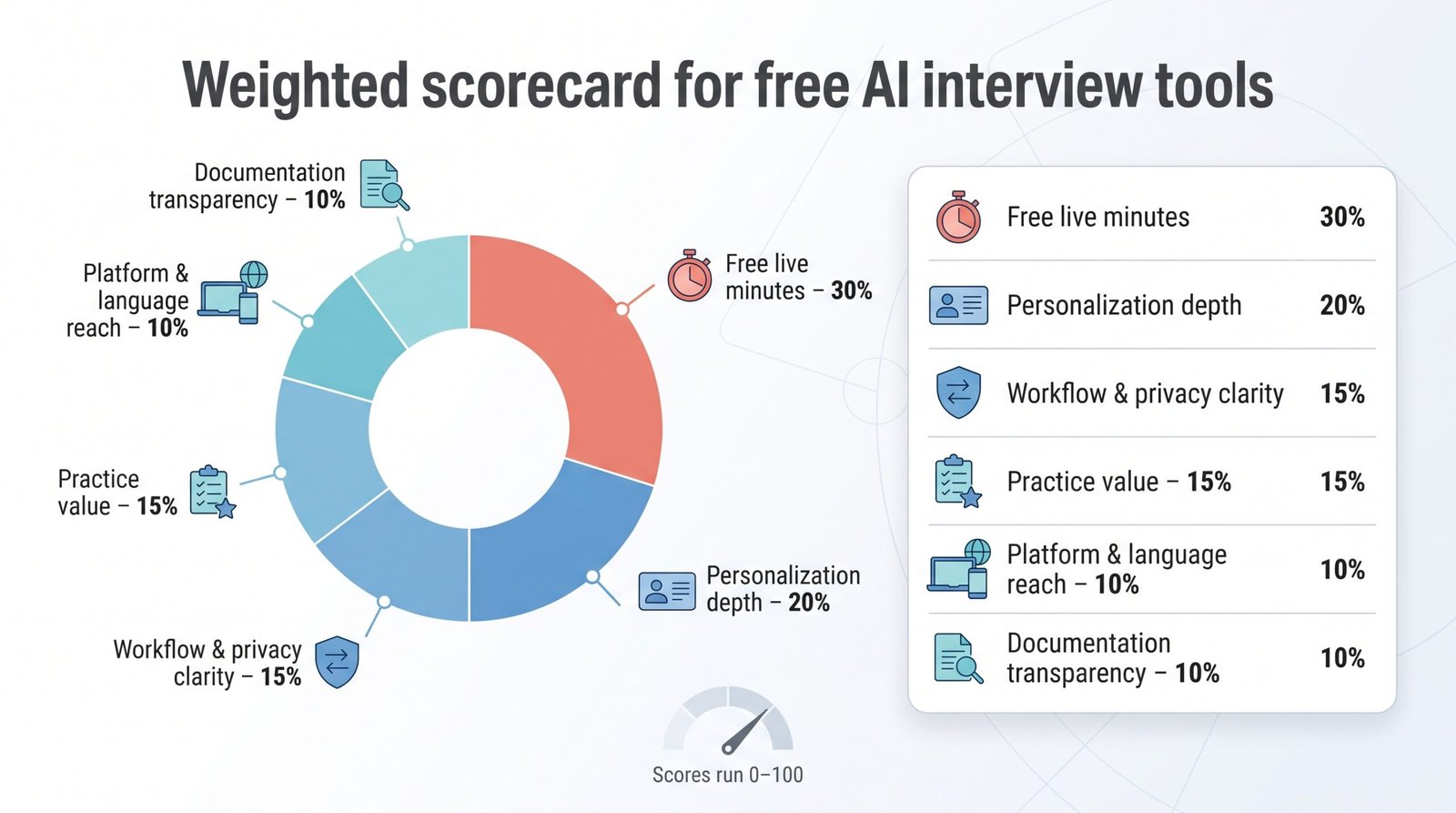
The weights set the order. We read each vendor’s own pricing and help pages; we did not benchmark latency or answer quality.
3. A note on bias (and the paid benchmark)
We have no financial stake in any tool. For context only, Interview Copilot (interviewcopilot.ai) has a desktop app for macOS and Windows that is free to download and test; a live interview needs a subscription.
That subscription costs $49 a month or $149 a year, both with every feature and no session limits. It shows answer guidance drawn from your résumé and the job description, sends a coding task on screen for analysis with a shortcut, and, the company says, keeps the overlay out of screen shares even when you share your whole monitor; the FAQ on the interviewcopilot.ai answer guidance site says interview audio is streamed for transcription rather than stored. Those features set the paid benchmark we used when grading free tiers, which is why Interview Copilot sits outside our free picks.
4. What the ranking means for you
Treat the order as a shortcut: the higher a tool ranks, the more practical value you’ll squeeze from its free tier before reaching for your credit card. It is not a guarantee that #1 will ace every follow-up or that the last pick is unusable. Test at least two against your specific interview format.
1. Verve AI: best complete free live test
Why it tops the list. Verve’s free tier gives you three 15-minute live sessions and five AI mock interviews every month, giving you 45 uninterrupted minutes to see whether the overlay fits your workflow. The pricing page spells out the limits, and the free plan needs no credit card.
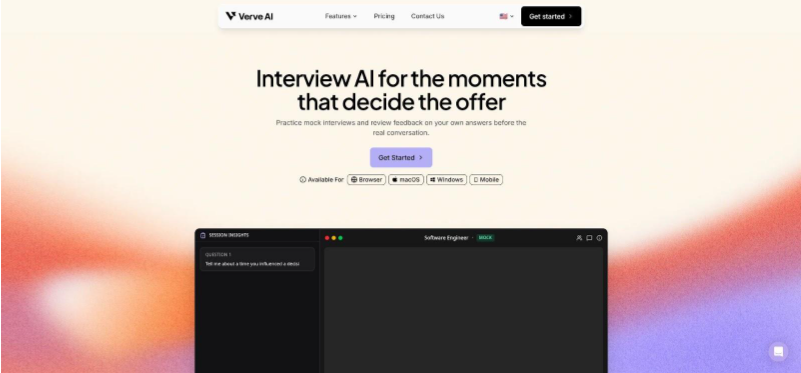
Verve AI interview copilot free tier homepage screenshot
A private view without paying. The pricing page lists a personal view, visible only to you, in the desktop app on every plan, Free included.
Breadth that feels “paid”. Verve transcribes in 55+ languages, shapes answers around your background and the role, supports custom prompts, and lets you drag to capture any part of your screen for instant AI analysis.
In short: it’s the most complete free trial you can run before money enters the picture.
2. LockedIn AI: most free minutes, least continuous time
Snapshot. The Free plan delivers unlimited 5-minute sessions, up to 60 minutes a day, with a 1-minute pause between them.
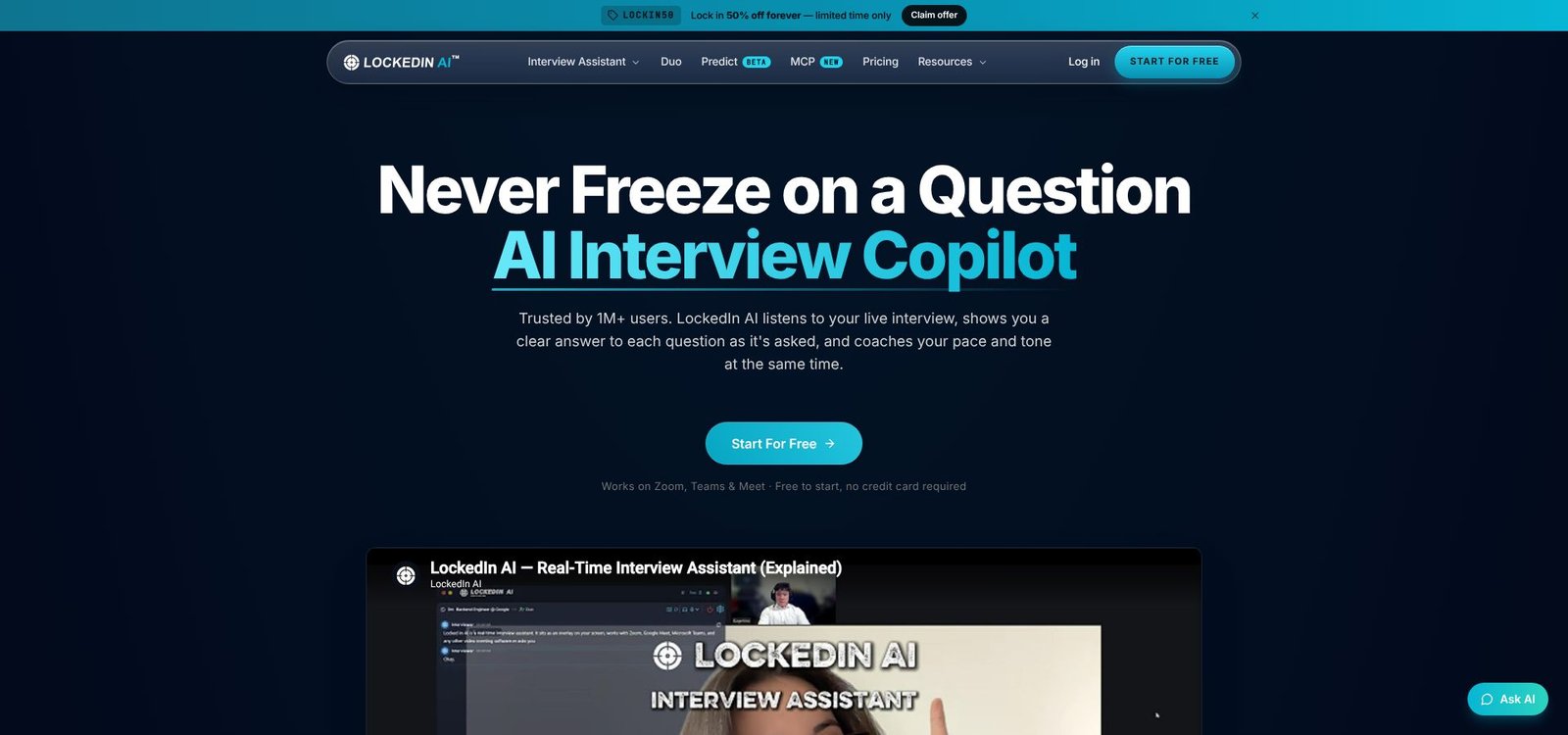
LockedIn AI interview copilot free plan screenshot
Why the time math matters
Sixty minutes sounds generous, yet the forced resets break any stretch that needs steady flow, such as a 30-minute system-design deep dive.
Breadth over continuity
LockedIn offers dozens of interview scenarios, from General Purpose to Software Engineering, System Design, Project Manager, and Consultant. It personalizes answers from your résumé and job-description uploads and runs on desktop, web, iOS, and Android.
Stealth costs extra
Stealth Mode, which hides the app during screen sharing, needs a paid plan; it is not part of the Free tier.
Bottom line: LockedIn offers the largest free daily bucket, but every 5-minute restart and the paywalled Stealth Mode limit it to rapid-fire drills, not an uninterrupted interview.
3. Interview Pilot: best for mobile and multiple devices
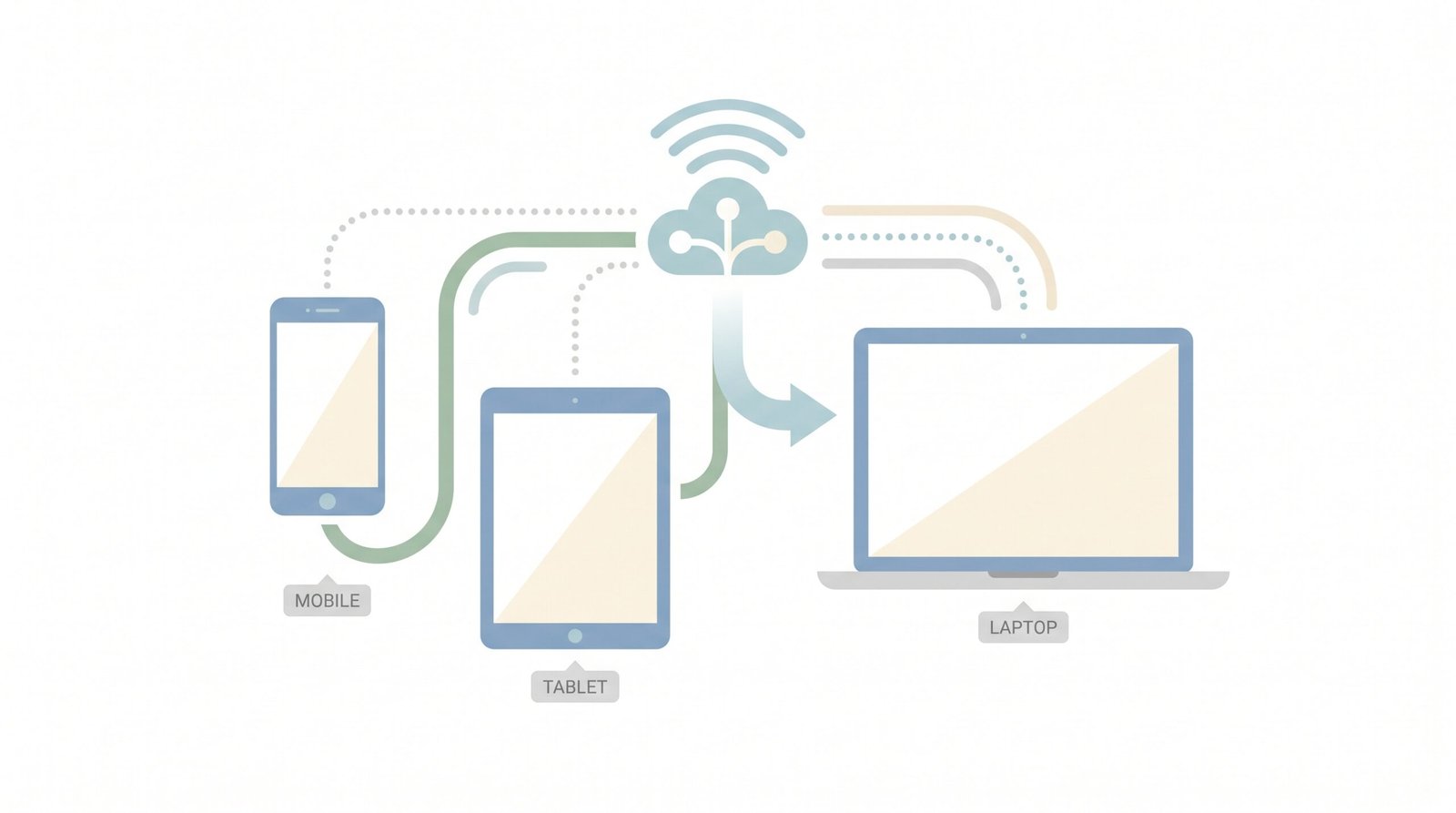
Snapshot. The Free plan gives you 3 interview sessions and 10 Copilot uses every week, on the normal Copilot models. No payment is required.
Why device reach matters
Interview Pilot runs on Windows, macOS, a web app, plus native iOS and Android clients. You can practice on the couch, commute with your phone, and switch to a work laptop for the real call without relearning the interface.
Free-plan quirks to test early
- Ten Copilot uses go quickly in a real interview, so save them for the questions you find hardest.
- The free plan runs on the normal Copilot models; the most powerful models sit on the paid plan.
Upgrade path
The Unlimited plan removes the weekly caps and costs $49.99 monthly or $25 per month when billed annually.
Bottom line: Pick Interview Pilot if you switch devices often or need quick mobile drills. Just remember to budget your 10 free Copilot uses so they last the week.
4. SubcueAI: clearest credit math on the market
Snapshot. The Starter plan is free and delivers 50 credits every month for real and mock interviews. No credit card is required.
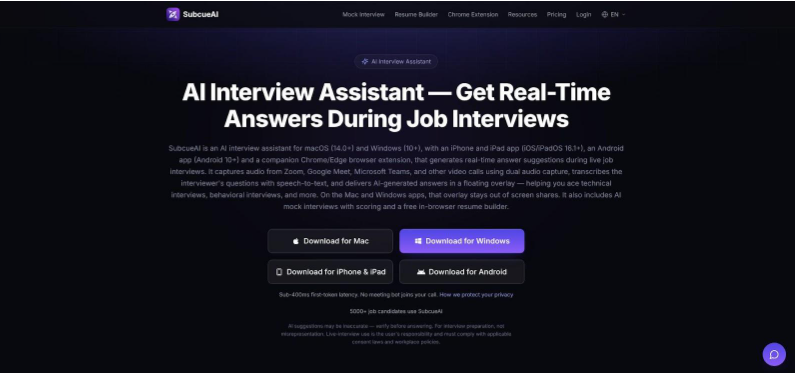
SubcueAI clear credits-based interview assistant pricing screenshot
How far the credits stretch
SubcueAI publishes its per-action and per-minute credit rates on a separate credits page, and the monthly allowance resets each billing period without rolling over. Check those rates before a long call: 50 credits will not cover a full interview.
Key free-tier limitation
Résumé-driven context starts on the Pro tier ($20 per month, 2,000 credits). On Starter, answers lean generic.
Workflow perks
Native apps for Windows and macOS feel familiar, iOS and Android apps cover the phone, and a Chrome extension lets you test the AI in the browser.
Bottom line: SubcueAI acts like the accountant of interview helpers: published rates and a plain monthly allowance, as long as you don’t need résumé context for free.
5. Sensei AI: quick browser try-out for 15-minute bursts
Snapshot. The Free plan costs $0 and gives you 15-minute Copilot sessions in the browser, with no download.
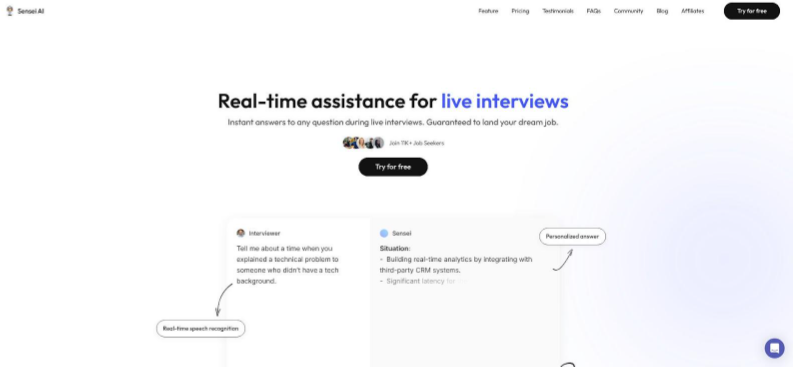
Sensei AI browser-based real-time interview copilot homepage screenshot
What you get
- The AI Resume Builder and AI Story Editor, both on the Free plan, feed your résumé and stories into live answers.
- Support for more than 30 languages and settings to tune the tone and style of answers.
- Runs beside Zoom, Teams, and Meet.
Key limits
- Each session ends at minute 15; unlimited sessions start on Pro.
- The public site offers no technical deep dive on its “fully undetectable” claim. Share only the meeting window to avoid exposing the Copilot tab.
- The Pro plan costs $89 per month or $24 per month when billed annually.
Bottom line: Sensei delivers the quickest way to sample live AI help, yet the 15-minute ceiling and sparse privacy detail keep it squarely in demo territory.
6. CoPrep AI: one-time free minutes for a full dry run
Snapshot. New CoPrep AI accounts get 20 free credits, and for the AI Interview Assistant one credit equals one minute. That is about 20 minutes of live help, granted once rather than every month.
What you get
- A live transcript of each spoken question, with answer outlines or a STAR structure you can glance at while you talk.
- Answers grounded in the résumé, target role, company, and notes you add during setup.
- Auto Answer for detected questions, manual typed prompts, and a screen-analysis action in the desktop app for questions shown only on screen.
- Browser, desktop, and mobile flows, plus a choice of transcription language.
Key limits
- The 20 free credits are a one-time grant, so a single 20-minute session can use them all.
- Résumé, cover letter, and other career tools draw on the same credit balance.
- After that, you buy credit packs (purchased credits never expire) or a weekly, monthly, or quarterly unlimited plan.
Bottom line: CoPrep AI suits one realistic rehearsal with your own résumé loaded. Spend the free minutes on a mock run, not on the real interview.
How to choose a free AI interview answer generator
Decide whether you need prep or live help
Start with an honest check: do you want practice prompts that sharpen your stories, or real-time cues while a panel questions you? The answer shapes every other choice.
Prep tools let you pause, rewrite and repeat without a clock running, and one generated STAR answer can be refined all week. Live copilots run on the clock: they use up free minutes fast, raise privacy questions and can break your flow if the overlay freezes mid-sentence.
So map your upcoming interviews. For a single phone screen, a short live test can steady your nerves. For a five-round loop next month, spend the free allowance on mock sessions now, build your own examples, and treat a copilot as a backup, not a crutch.
Free AI interview answer generators compared
Below is the quick-scan view promised earlier: two numbers every candidate needs, plus three features that often hide in the fine print.
| Tool | Uninterrupted free time | Total free allowance | Résumé grounding on free | Private overlay on free | How the cap ends |
| Verve AI | 15 min | 3 × 15 min per month | Yes | Personal view (desktop app) | Session stops at 15 min |
| LockedIn AI | 5 min | 60 min per day (5-min blocks) | Yes | No (paid) | Forced 1-min pause |
| Interview Pilot | Not stated | 3 sessions and 10 Copilot uses per week | Not documented | No | Weekly limits reached |
| SubcueAI | N/A (credit based) | 50 credits per month | No | Not stated | Credits hit zero, prompts stop |
| Sensei AI | 15 min | Not stated* | Yes | No (browser tab) | Session stops at 15 min |
| CoPrep AI | Up to 20 min | 20 credits once (1 credit = 1 min) | Yes | Not stated | Credits hit zero |
*Sensei lists 15-minute sessions on its Free plan without a session count, and claims to be “undetectable” without technical detail; treat it as browser-visible.
Key takeaways
- Continuous time matters more than headline minutes. LockedIn provides 60 free minutes, but the 5-minute slices make Verve’s straight 15-minute block easier to use.
- Résumé grounding isn’t universal. SubcueAI keeps résumé-driven context for its paid Pro plan, so its free answers stay generic until you upgrade.
- Private overlays are rare on free plans. Verve lists a personal view, visible only to you, in its free desktop app; LockedIn keeps Stealth Mode for paid plans and Sensei runs in a browser tab.
- Privacy pages lag the marketing copy. Unless a policy clearly states “local only,” assume every spoken word reaches a server you don’t control and plan disclosures accordingly.
Use the table to shortlist two contenders, test them in a mock call, and keep a fallback plan ready for when the free meter blinks red.